Brick-Talks

A physical system that gives Mini-Settings a voice.

Children listen, record, and discover communication at their own pace.

Mini-Talks

What Is Brick-Talks?

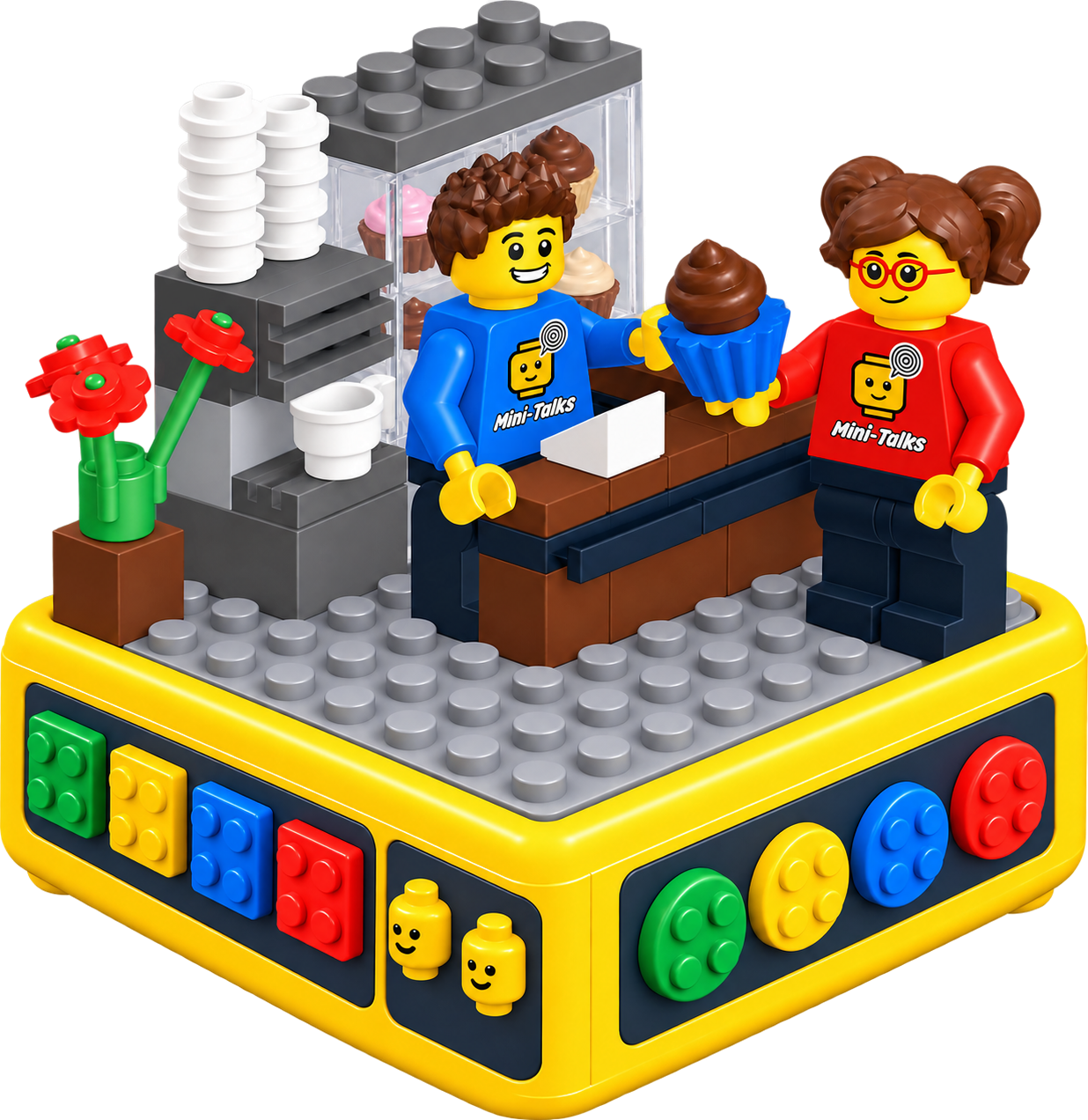
Mini-Settings creates the scene.

Brick-Talks gives the scene a voice.

Brick-Talks is a physical system that recognizes Mini-Settings, adds voice to the scene, and enables users to listen to demo sounds and their own recordings.

Through Mini-Settings, the system recognizes the scene and associates it with the determined communication level and Mini (the speaking role within the scene).

Using simple physical controls, children can:

  • listen to sample (demo) sounds,
  • record their own voice,
  • listen to their recordings again.

The entire process happens without being tied to a mobile device.
The interaction takes place entirely within a physical game.

The goal is to create a system based on scene-linked demo sounds and recordings under the child's control, enabling communication to develop at their own pace and without pressure.

How Does It Work?

The interaction may be simpler or more advanced depending on the system version.
The system structure is as follows:

  • Mini-Settings physical design is placed onto Brick-Talks.
  • The system recognizes the scene.
  • Communication level and Mini (speaking role within the scene) are selected.

When the child wants to:

  • listen to a demo,
  • record their own voice,
  • listen again.

Brick-Talks Theoretical Framework

Within the HCI framework, Brick-Talks transforms communication practice into a tangible and multidimensional interaction model built on scene, level, and role.

  • Human-Computer Interaction (HCI)
  • Tangible User Interface (TUI)
  • Supportive interaction system
  • Structured communication support
  • Multidimensional interaction model (scene × level × role)

Hardware Design

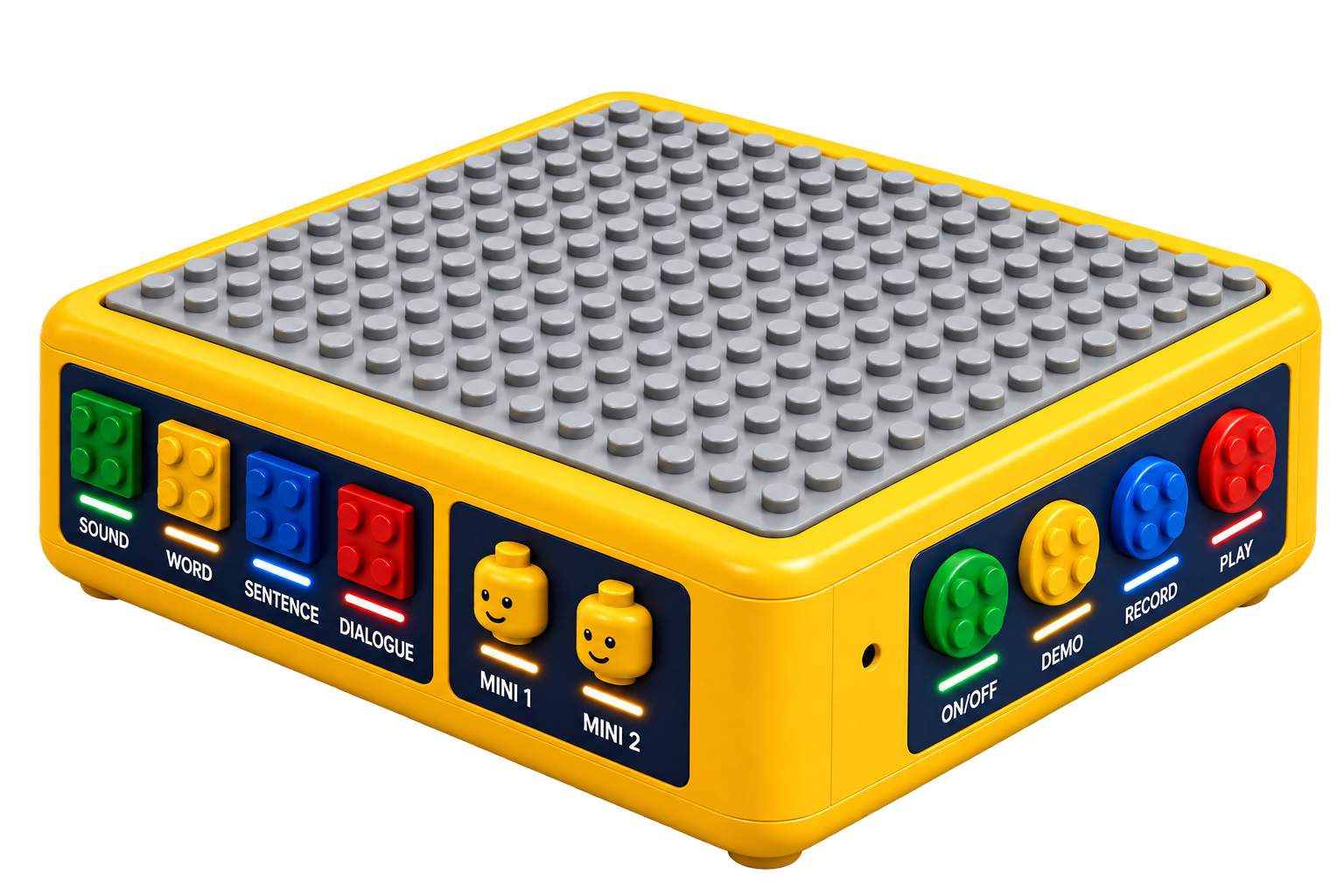
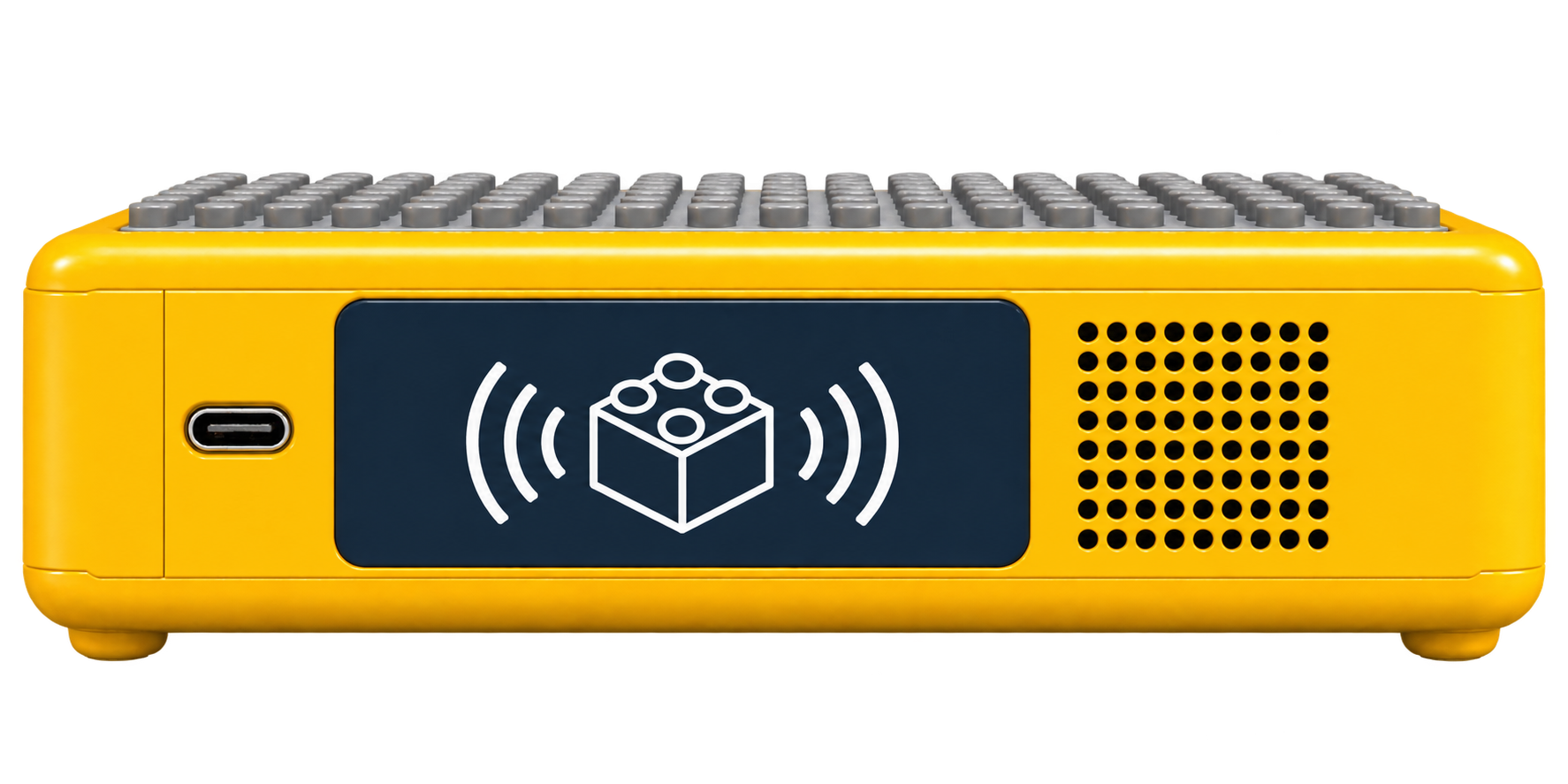
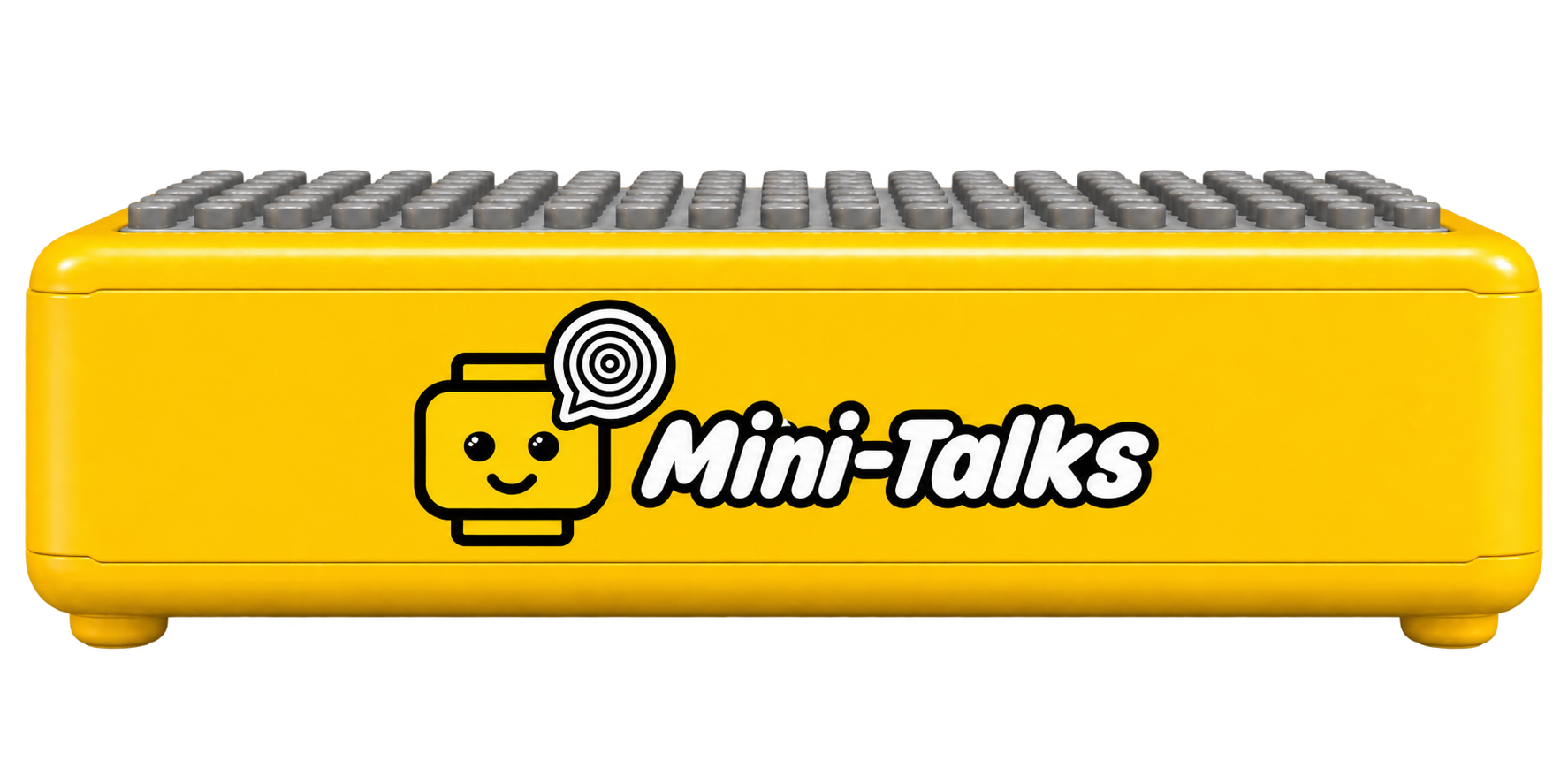
Brick-Talks is designed as a physical interaction device.

Top Surface

  • LEGO-compatible base
  • Mini-Settings are placed here.
  • Recognized as a physical scene.

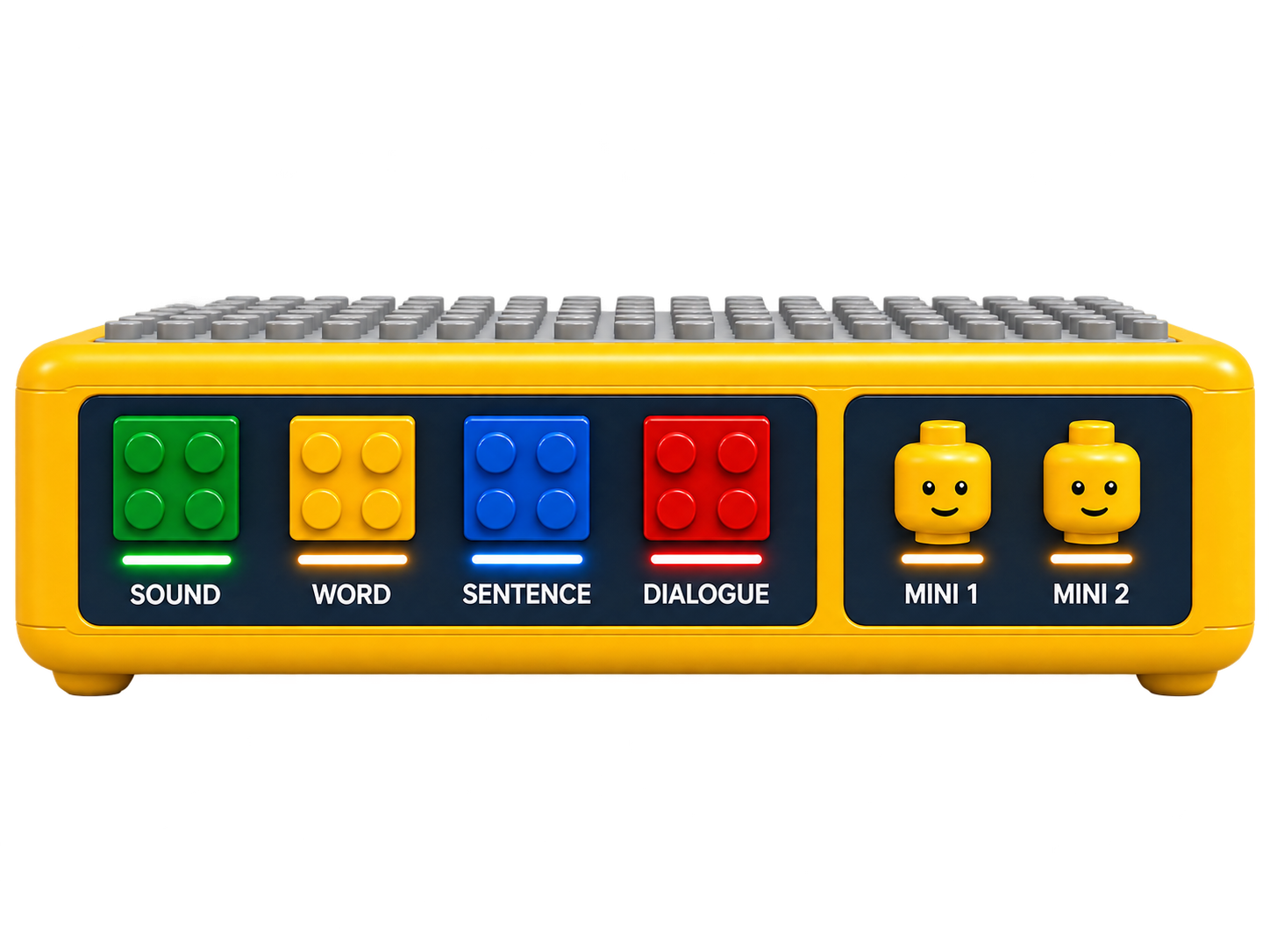
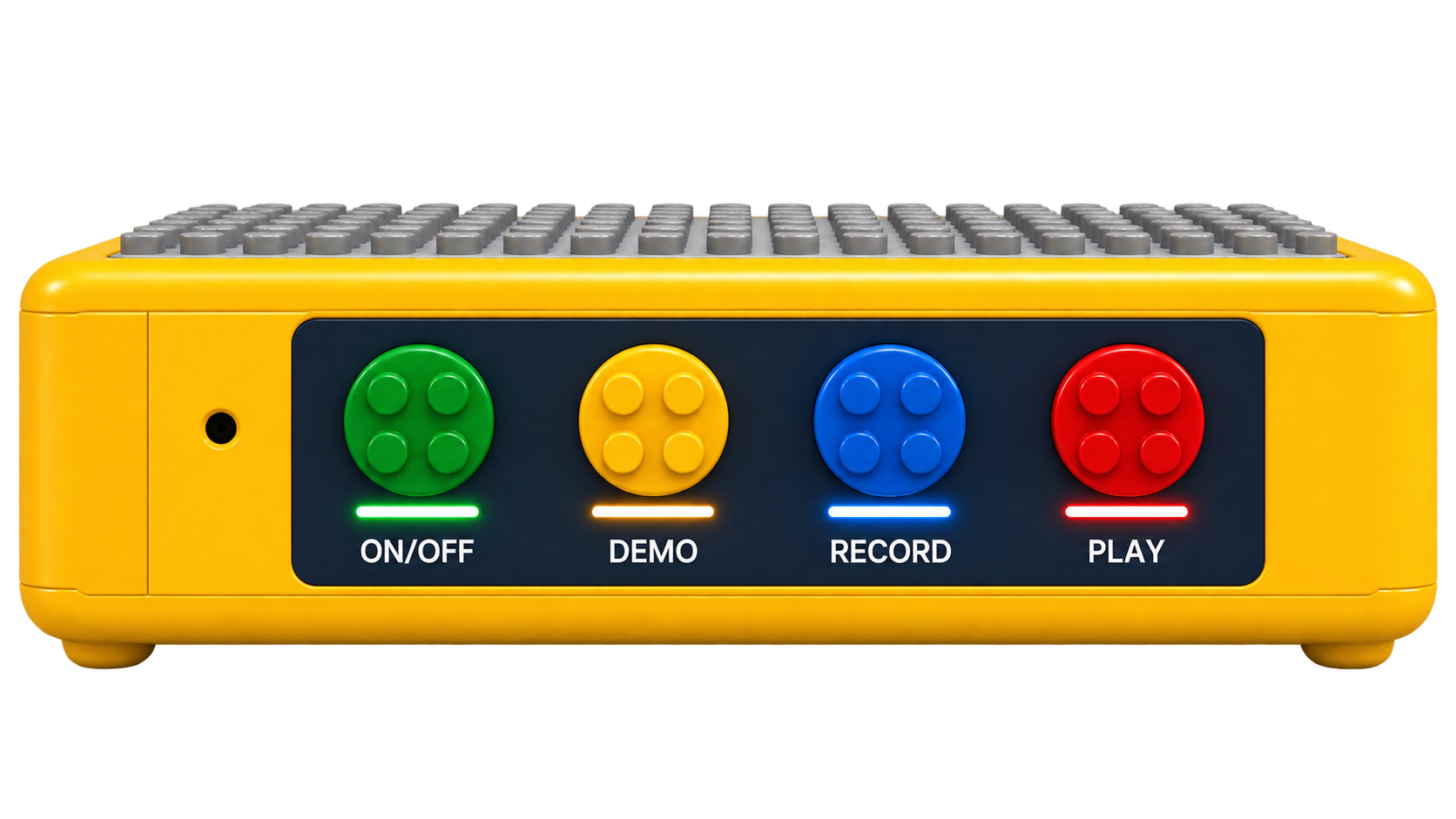
Side Surface

  • All controllers are located here.
  • Reduces attention distraction.

Controllers

  • Level selection (4 options)
  • Mini selection (2 positions)
  • Demo / Record / Play buttons

System Components

  • RFID-based scene recognition
  • Audio playback and recording system
  • Built-in recording storage

It sits on top of the scene.
Interaction happens through seeing, touching, and hearing.
It relies on multisensory and tangible learning principles.

Hardware Architecture

Brick-Talks is a compact embedded system that combines detection, voice processing, and physical interaction.

Main Components

  • Microcontroller (ESP32-S3)
  • RFID Module (scene recognition)
  • Microphone (voice input)
  • Speaker (voice output)
  • Storage (SD card / Flash)
  • Buttons (Demo / Record / Play)

Selection Inputs

  • Level selection (4-level selector)
  • Mini Selection (2-position switch)

Placement

  • Electronics under 16×16 baseplate
  • Interaction elements on the side
  • Minimal, non-distracting design

Design Principle

  • System is invisible, but interaction is tangible.
UI & Visual System (V3 and Beyond)

Visual elements support the physical interaction.

They don't replace it.

The system uses a small color screen.

Interface is icon-based with minimal text.

Shows the scene, selected Mini, and communication level.

Provides visual feedback for Demo, Record, and Play.

Supports simple animations to help understand the interaction.

Clear and accessible directions simplify the experience.

What's Inside Mini-Kits

Brick-Talks progresses from listening toward communication, without rushing the child.
The interaction remains simple, physical, and under the child's control.

V0 — Listen Only

Focus: Building safe familiarity before speaking.

  • RFID scene recognition
  • Single button: Play demo
  • Demos cycle through levels (sound → word → sentence → dialogue)
  • No recording
V1 — First Voice

Focus: Hearing your own voice.

  • RFID scene recognition
  • Buttons: Record + Play
  • One recording per scene (overwrites previous)
  • No Mini or level selection
V2 — Structured Interaction (Main Version)

Focus: Mini and level-based communication.

  • RFID scene recognition
  • Level selection (sound / word / sentence / dialogue)
  • Mini selection (Mini 1 / Mini 2)
  • Buttons: Demo / Record / Play
  • Recordings are saved per scene, level, and Mini

Demo and Play are intentionally separated:

Demo: examples of how something is expressed
Play: lets the child listen to their own voice.

V3 — Visual Support

Focus: Visual guidance without disrupting physical play.
Adds visual support on top of V2 for the existing interaction.

  • Small color screen (icons, minimal text)
  • Scene, Mini, and level display
  • Visual directions for Demo, Record, and Play
  • Short scene animations
  • Interaction is still physical
V4 — Connected & Adaptable

Focus: Personalization and system expansion.
Carries V3 beyond the device itself.

  • Wi-Fi connectivity
  • App & Studio integration
  • Remote content updates
  • Parent / professional customization
  • AI-powered direction and dialogue suggestions

The system evolves, but the core interaction always remains simple and under the child's control.

Feature Table

Feature V0 V1 V2 V3 V4
Scene Recognition (RFID)
Listening (Demo)
Recording
Structured Interaction (Mini & Level)
Physical Controllers Play Record + Play Full System Full System Full System
Screen (Visual Display)
Scene-Specific Animations
Visual Directions (Interface Feedback)
Wi-Fi Connectivity
App & Studio Integration
Remote Content Updates
Legend: Included Not Included

Design Principle

Brick-Talks is not designed based on age,
but based on communication stages.

Each version makes the system more structured, but also increases pressure.

Brick-Talks doesn't tell children they need to speak.
It gives them the opportunity to discover communication at their own pace and in their own way.

tr_TRTurkish