A safe communication practice app for children with selective mutism — built with animation, personalized Minis, and structured speech levels.
Children want to speak. But they can't in every setting. Mini-Talks bridges that gap with a safe, structured, and playful experience.
4 roles, secure sign in, parent-child expert connections.
59 scenes, Mini figure builder, Hair/Head/Torso/Legs
Brick slot system, demo, record, animated playback, expert black brick.
8 widgets, View/Manage roles, clinical observation infrastructure
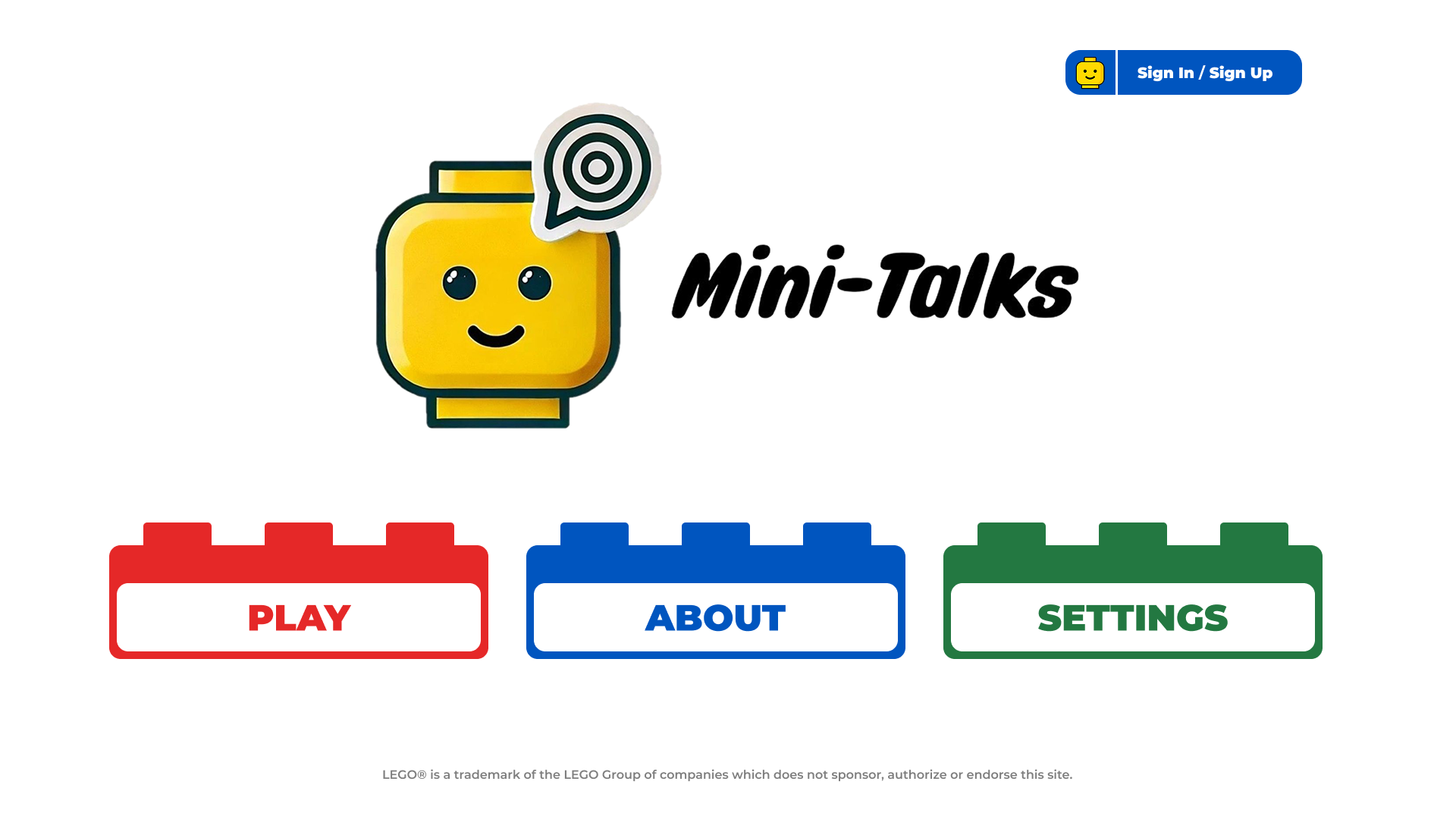
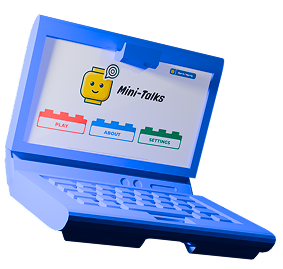
The main menu is intentionally simple. Three brick buttons: Play, About, Settings. No clutter, no pressure. Sign up from the top-right corner to unlock the full experience — 50 scenes, full customization, Mini Journey dashboard. Or just press Play without an account.
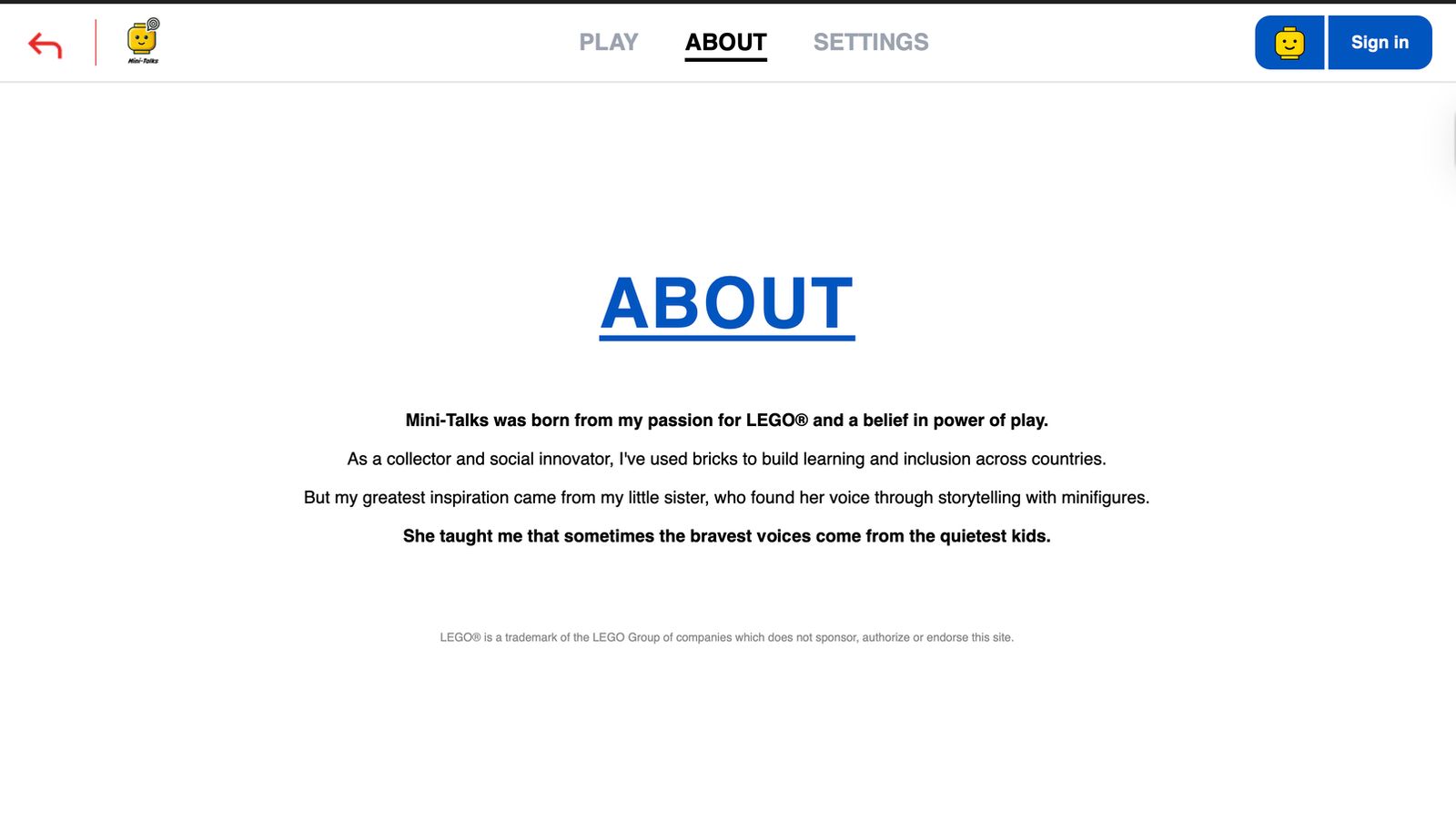
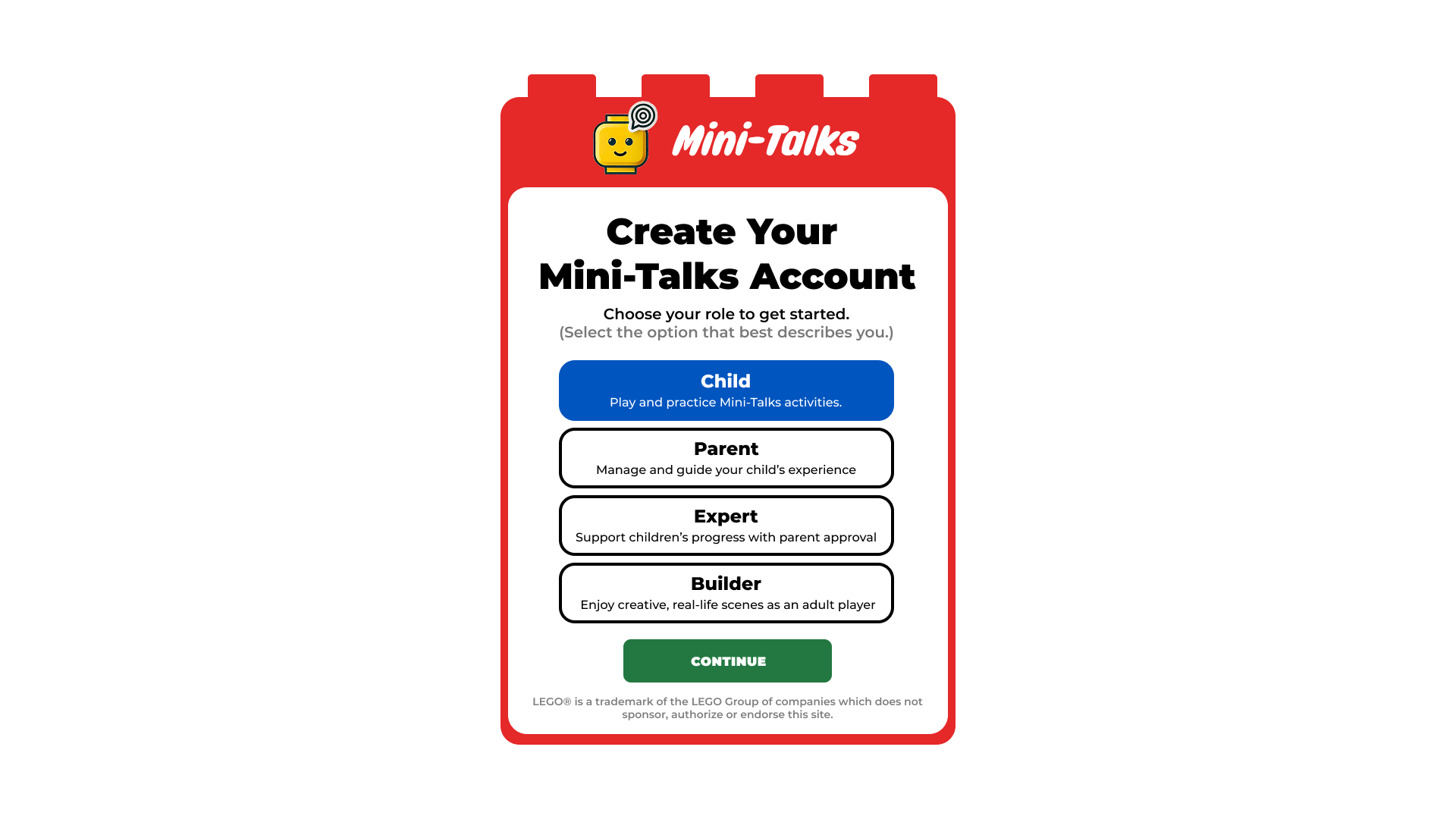
When creating an account, users choose from 4 roles. Each role brings a different registration form and different permissions.
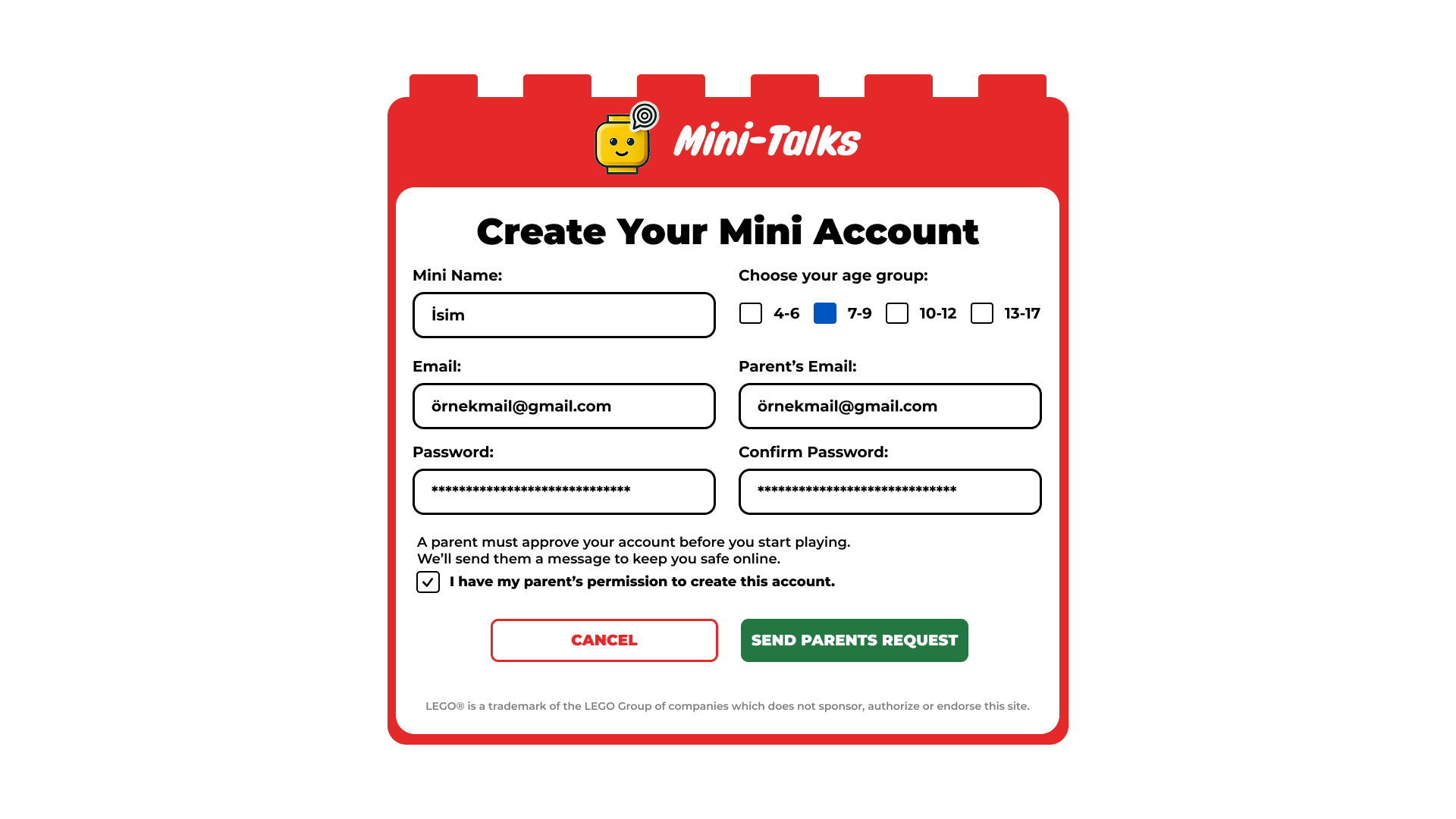
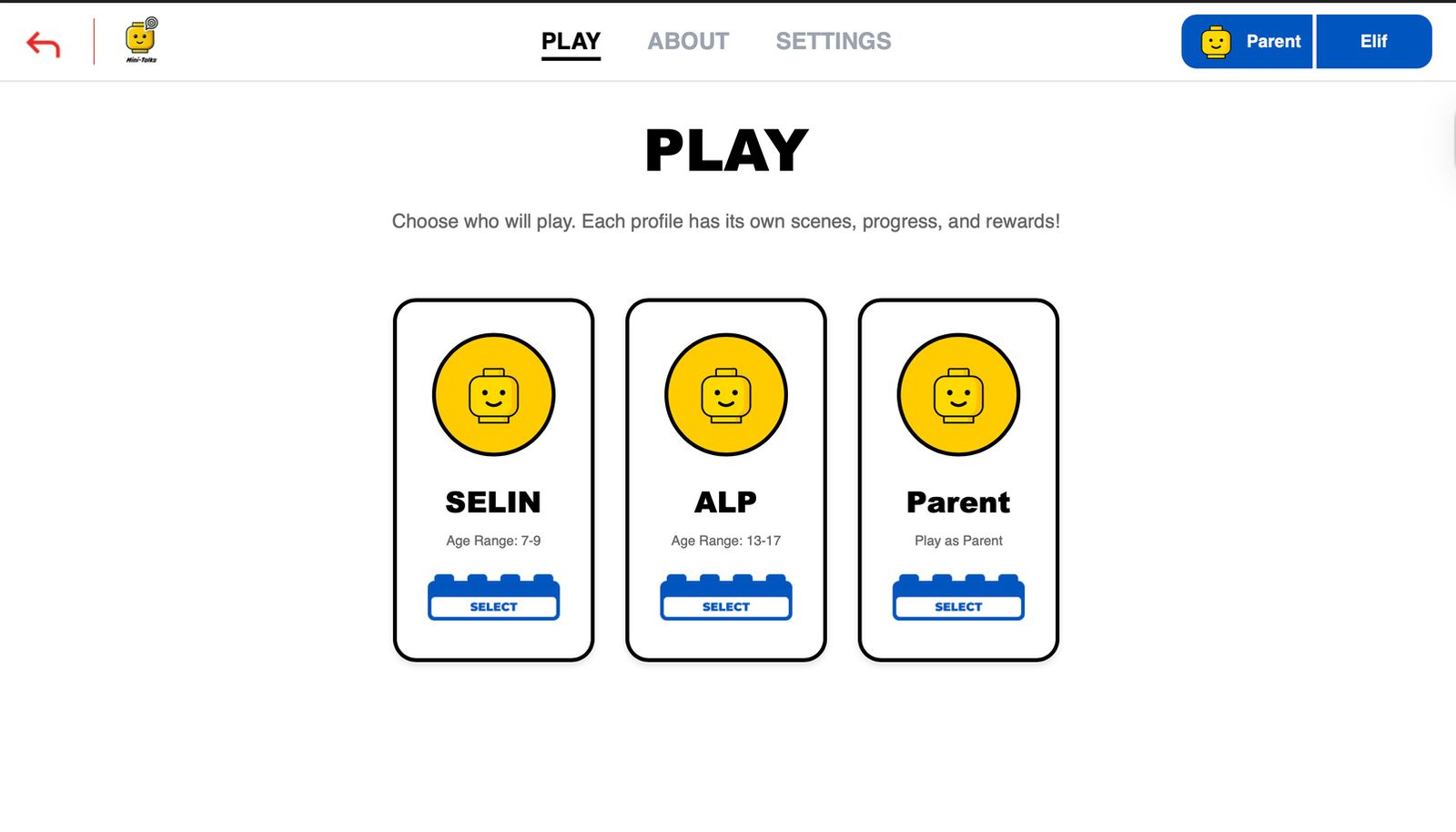
Parents can register multiple children. When Play is pressed, they choose which profile will play. Each child's scenes, progress, and rewards are independent.
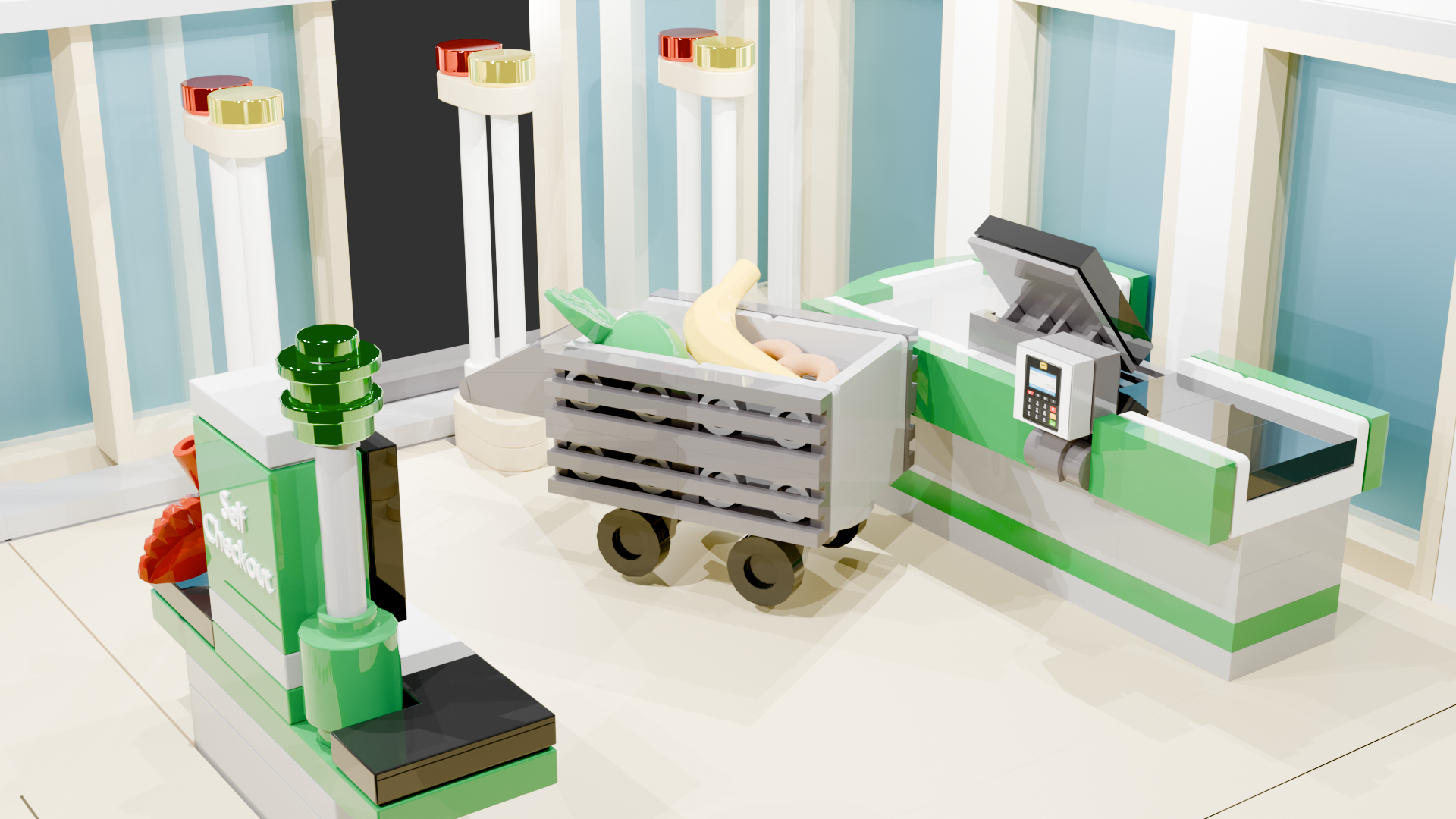
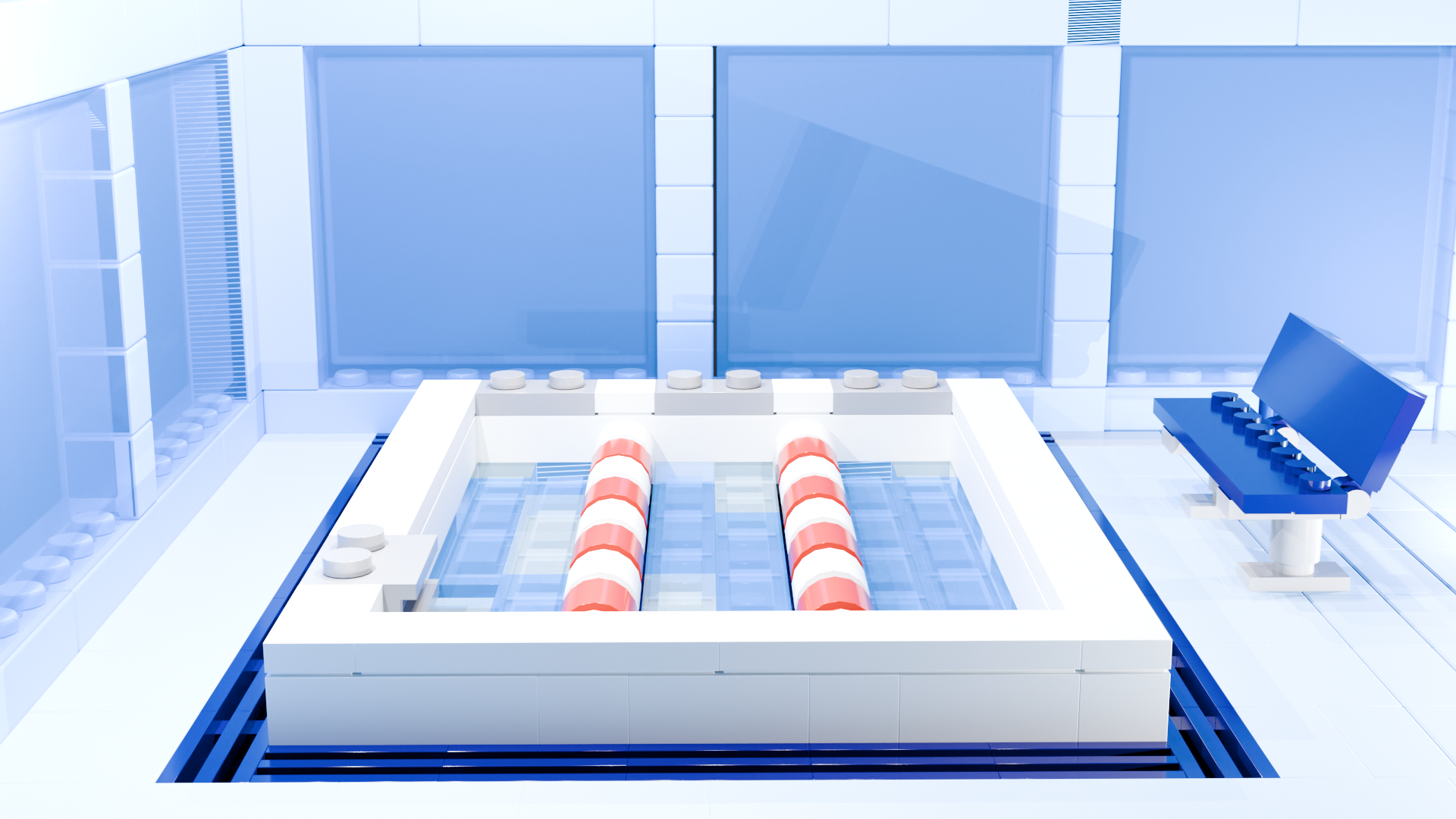

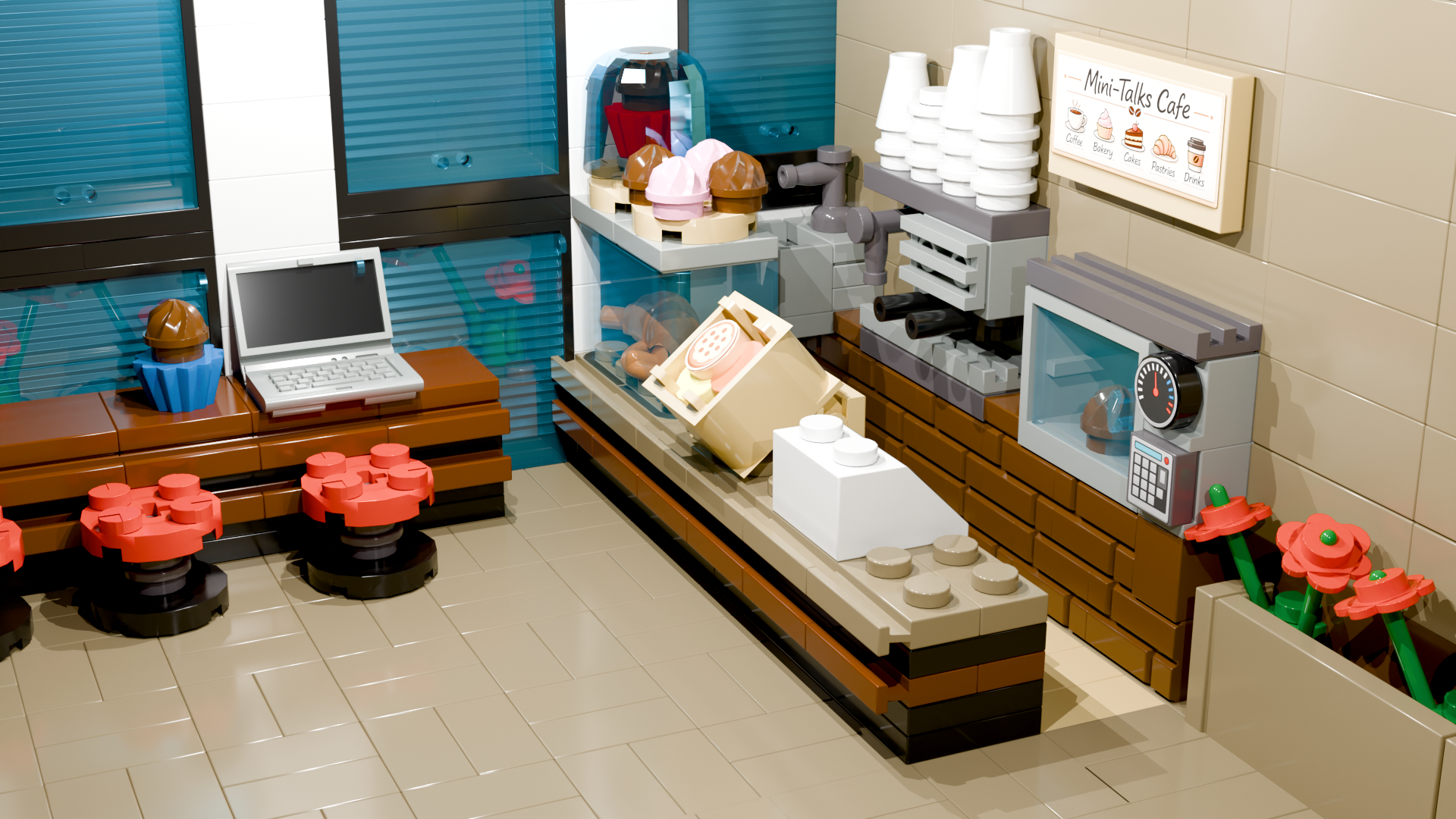
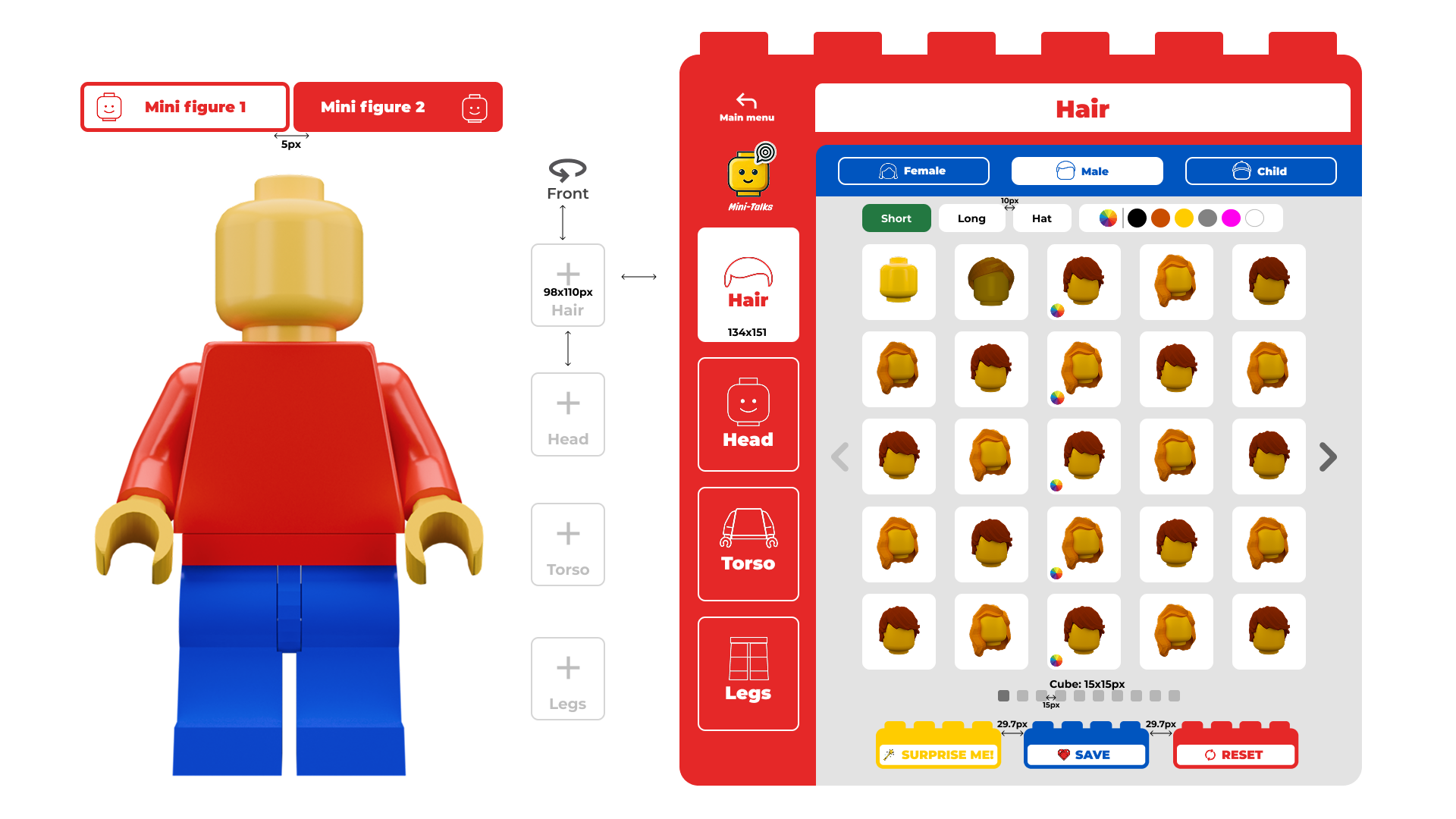
4 sections × Female/Male/Child category × dozens of styles × color palette. Surprise Me or use defaults. In dialogue mode, two Minis are built simultaneously.
Simple and Expressive subcategories. Bald option available. ~30 styles per category in different colors: brown, black, red, gray, and more.

Reset all selections to default

Generate a random combination

Start quickly with the default Mini

Save Mini and proceed to scene
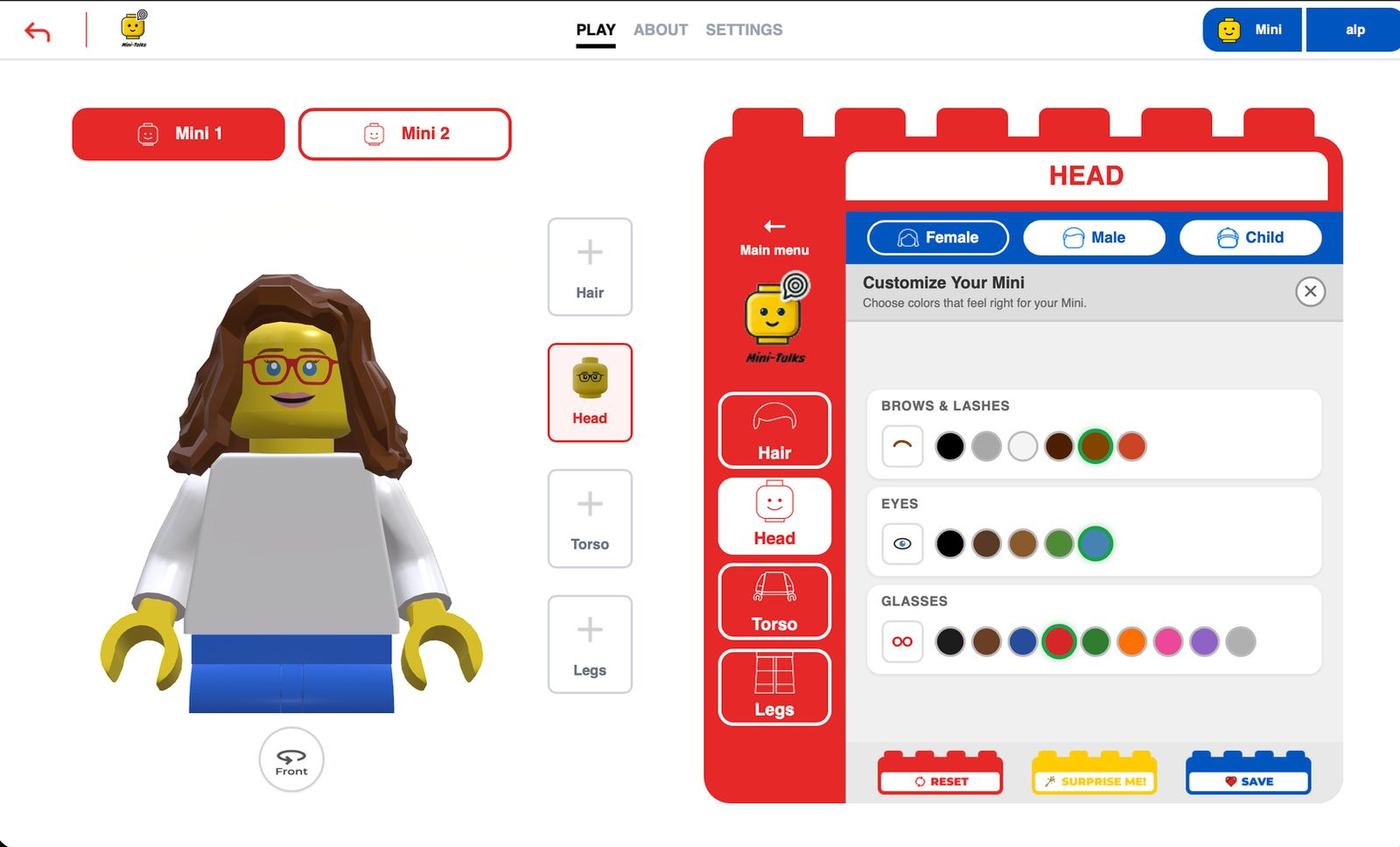
In Female mode, shown as 'Brows & Lashes'. For glasses: select shape first, then color.

When saving Mini 1 without customizing Mini 2, a 'Wait a Second!' prompt appears. Three options: Customize / Use Ready / Surprise Me!
The child builds two Mini characters separately: Mini 1 represents themselves, Mini 2 represents the person they'll talk to. Hair color, eye color, glasses style — every detail is in the child's control. Building a character that looks like them strengthens the bond with the Mini and directly increases recording motivation.

Red glasses · Blue eyes · Brown hair
Images are AI-generated to protect identity.
Red glasses · Blue eyes · Brown hair


Tap a slot to reveal its options. Once a choice is made, the slot fills and the next one activates.
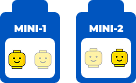
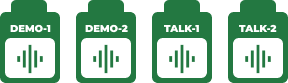
 →
→

The tick brick stays red while there are empty slots. When all slots are filled, it automatically turns green — the system is ready, animation can begin.


When Dialogue mode is selected, Mini 2 + Audio 2 slots expand automatically. Hidden in other levels. Two Minis, two demos, two recordings.
 →
→


Play & Reset active
Record & Delete inactive
 →
→

Play auto-selected
Delete active
Reset active

The expert saves a connected child's recording to their own panel. Audio stays on the device — only numerical data (duration, level, date) goes to the server. Requires parent approval.
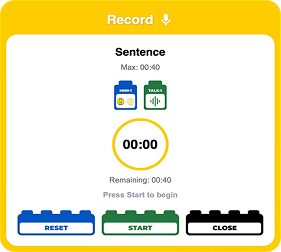
Single Mini voice input.
The system records one audio stream mapped to: Scene × Level × Mini × Record Slot.
Duration is limited and controlled in real time.
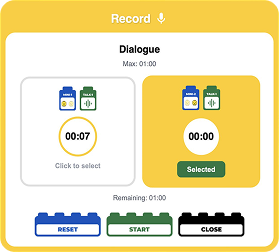
Dual Mini interaction.
Each Mini holds an independent audio slot.
The user selects the active Mini and records separately.
This enables sequential multi-role interaction within the same scene.
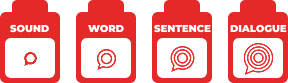
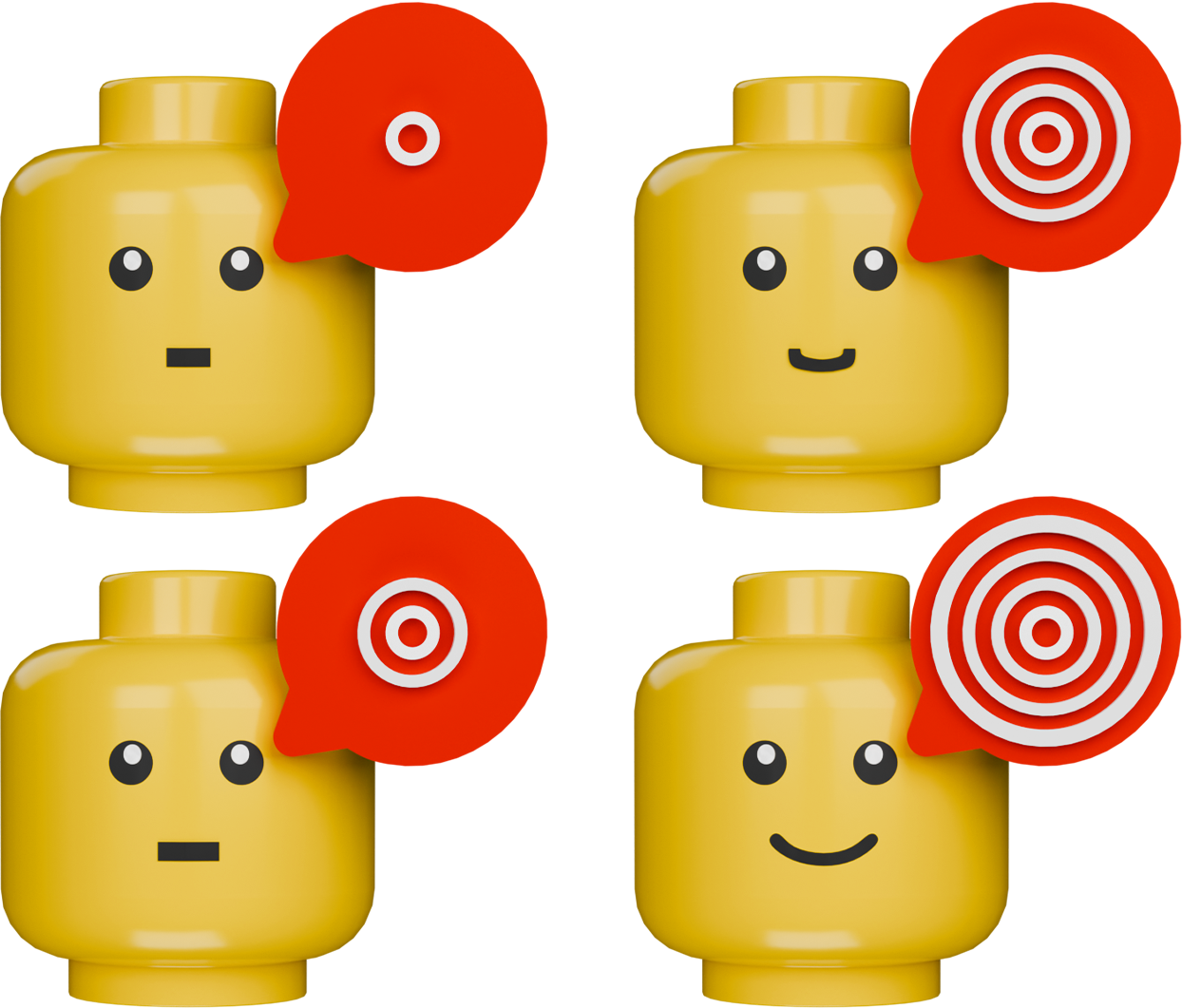
Gradual exposure is the core approach in selective mutism treatment. Mini-Talks translates this principle into four communication levels — each level starts where the child is ready.

Non-verbal vocal output within a scene context.
Simple, repeatable sounds associated with the environment.
No linguistic requirement — focus on voice activation.

Single-word production linked to scene elements.
Objects and actions are named within context, introducing controlled speech without increasing pressure.

Structured sentence production within the scene.
The child expresses requests, reactions, or descriptions using short sentences tied to the current context.

Multi-role interaction using two Minis.
The child produces sequential speech within a shared context, forming basic dialogue structures.
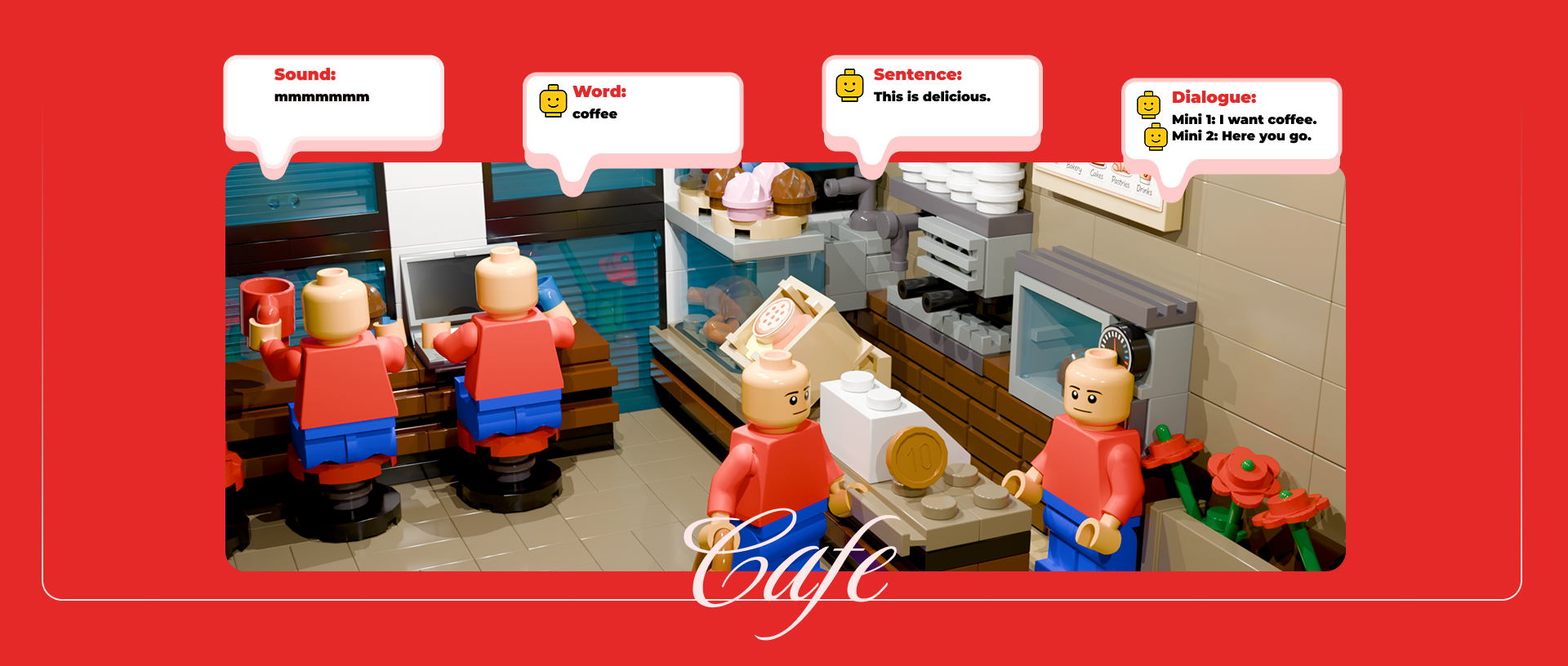
Customized Minis are placed into the selected scene. A short scene-related intro animation plays. Then the interaction mode begins.


Demo audio plays while Mini's mouth moves in sync. The child sees and hears their character speaking.


The child speaks as their Mini's voice and records. Audio stays on device — only numerical data goes to the server.
The child's own voice plays back in sync with Mini's mouth animation. Builds ownership and motivation.
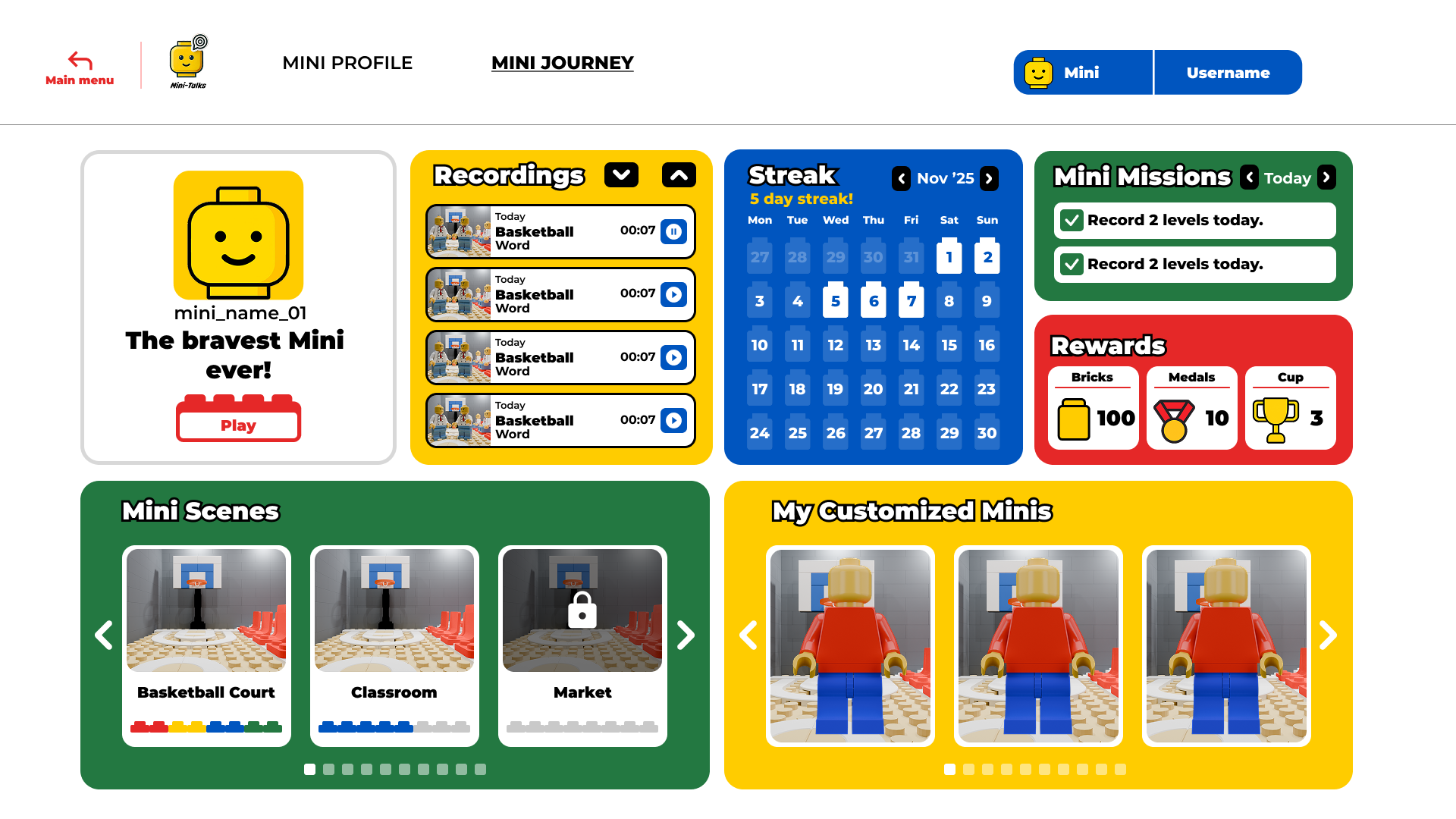
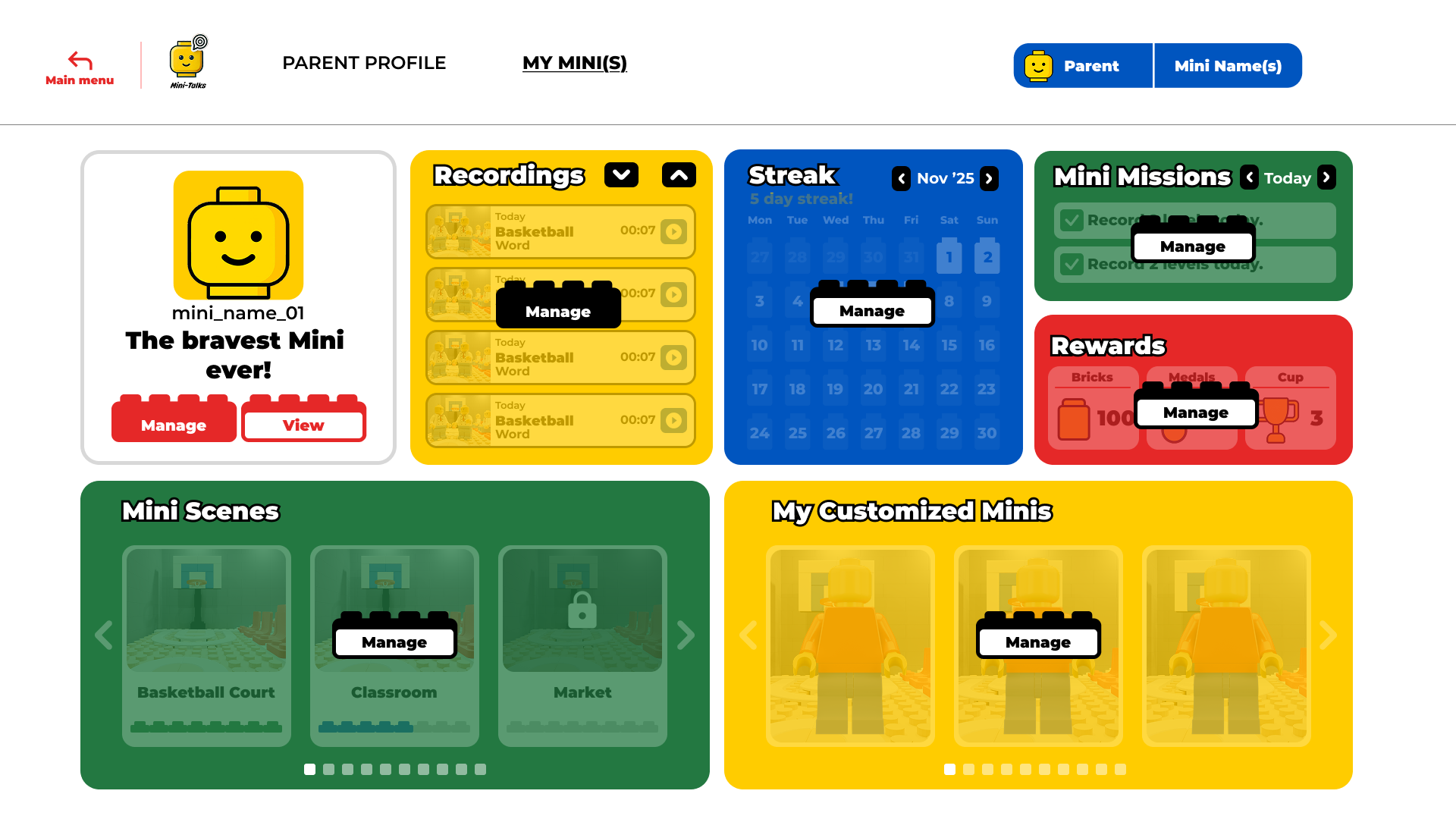
All progress is tracked from one place. 7 widgets, each with a Manage and View screen.
Can manage settings and view detailed progress.
Can view detailed progress with parent permission.
Can access the main dashboard without detailed data.
Can view detailed progress of their own activity.
Set up daily motivation messages for your child. Choose message themes, write custom notes, and schedule when they appear. Messages are shown before each session to keep the child encouraged and focused.
Review which messages have been shown and how the child responded. Engagement stats across themes, timing, and frequency help you fine-tune what works best — all without storing any personal content.
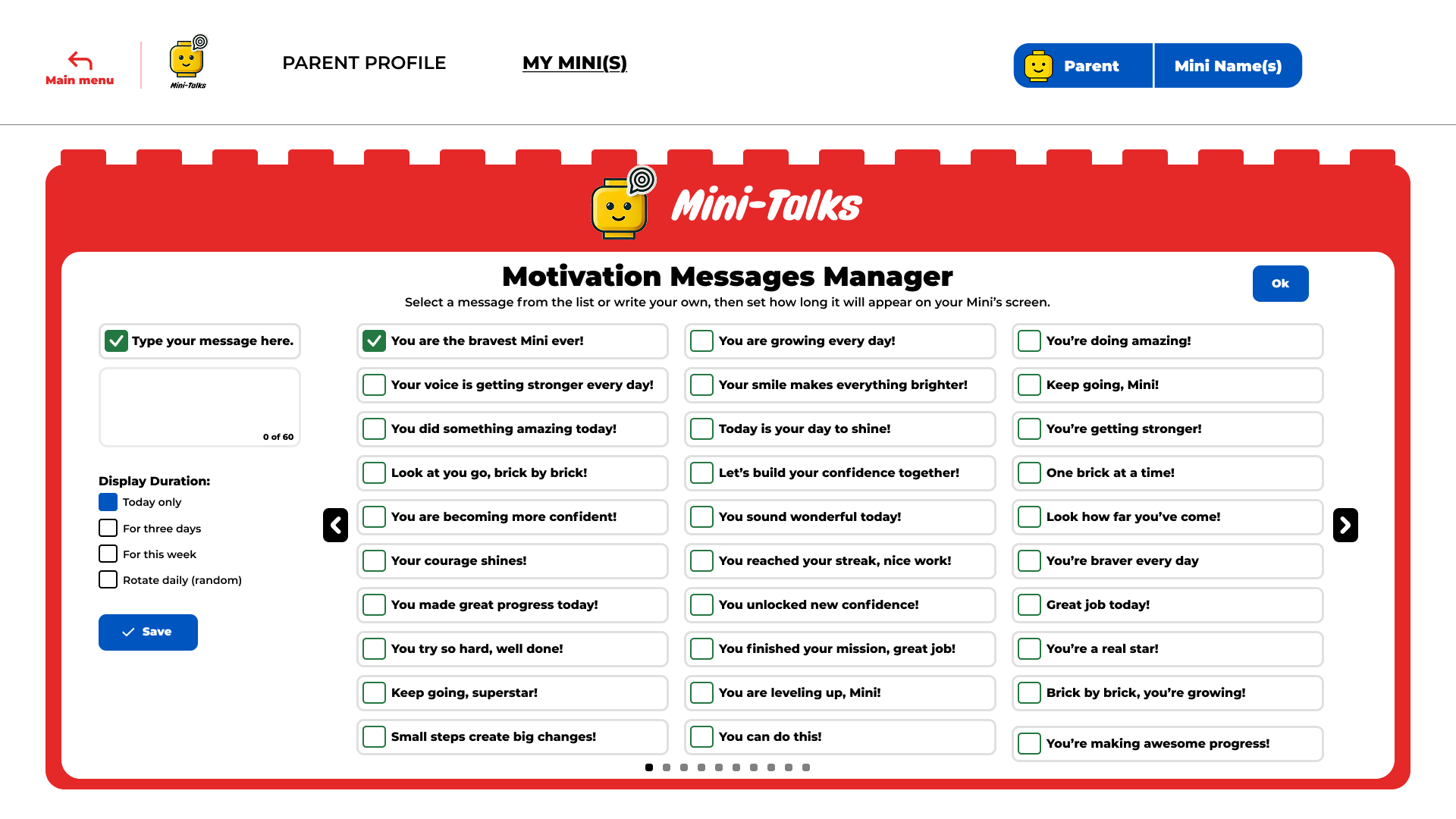
Set up daily motivation messages for your child. Choose message themes, write custom notes, and schedule when they appear. Messages are shown before each session to keep the child encouraged and focused.
Review which messages have been shown and how the child responded. Engagement stats across themes, timing, and frequency help you fine-tune what works best — all without storing any personal content.
Set up daily motivation messages for your child. Choose message themes, write custom notes, and schedule when they appear. Messages are shown before each session to keep the child encouraged and focused.
Review which messages have been shown and how the child responded. Engagement stats across themes, timing, and frequency help you fine-tune what works best — all without storing any personal content.
Set up daily motivation messages for your child. Choose message themes, write custom notes, and schedule when they appear. Messages are shown before each session to keep the child encouraged and focused.
Review which messages have been shown and how the child responded. Engagement stats across themes, timing, and frequency help you fine-tune what works best — all without storing any personal content.
Set up daily motivation messages for your child. Choose message themes, write custom notes, and schedule when they appear. Messages are shown before each session to keep the child encouraged and focused.
Review which messages have been shown and how the child responded. Engagement stats across themes, timing, and frequency help you fine-tune what works best — all without storing any personal content.
Set up daily motivation messages for your child. Choose message themes, write custom notes, and schedule when they appear. Messages are shown before each session to keep the child encouraged and focused.
Review which messages have been shown and how the child responded. Engagement stats across themes, timing, and frequency help you fine-tune what works best — all without storing any personal content.
Set up daily motivation messages for your child. Choose message themes, write custom notes, and schedule when they appear. Messages are shown before each session to keep the child encouraged and focused.
Review which messages have been shown and how the child responded. Engagement stats across themes, timing, and frequency help you fine-tune what works best — all without storing any personal content.
Mini-Talks puts your child's privacy above everything. Voice recordings are never permanently stored — not on our servers, not on the device. They exist only during the session, can be played back, and disappear when the session ends.
Voice recordings are never permanently saved anywhere. The child records into slots and listens back during the session — when the session ends, audio data is automatically cleared. Our servers only keep numerical progress data.
Experts can only access child data with parent approval. Child accounts don't activate without parent consent. Full control stays with the parent.
No real name, photo, or identity information is requested from the child. No personal data is stored beyond Mini name and age range. Dashboard contains only anonymous statistical data.

Mini-Talks is also a structured, ethical, and parent-approved observation platform for selective mutism research. Research can be conducted using only numerical dashboard data, without accessing any audio files.
Progression rate and recording duration trends across the Sound → Word → Sentence → Dialogue hierarchy. Time-series analysis of verbal output production. Primary dataset for quantitative monitoring of non-pharmacological intervention outcomes.
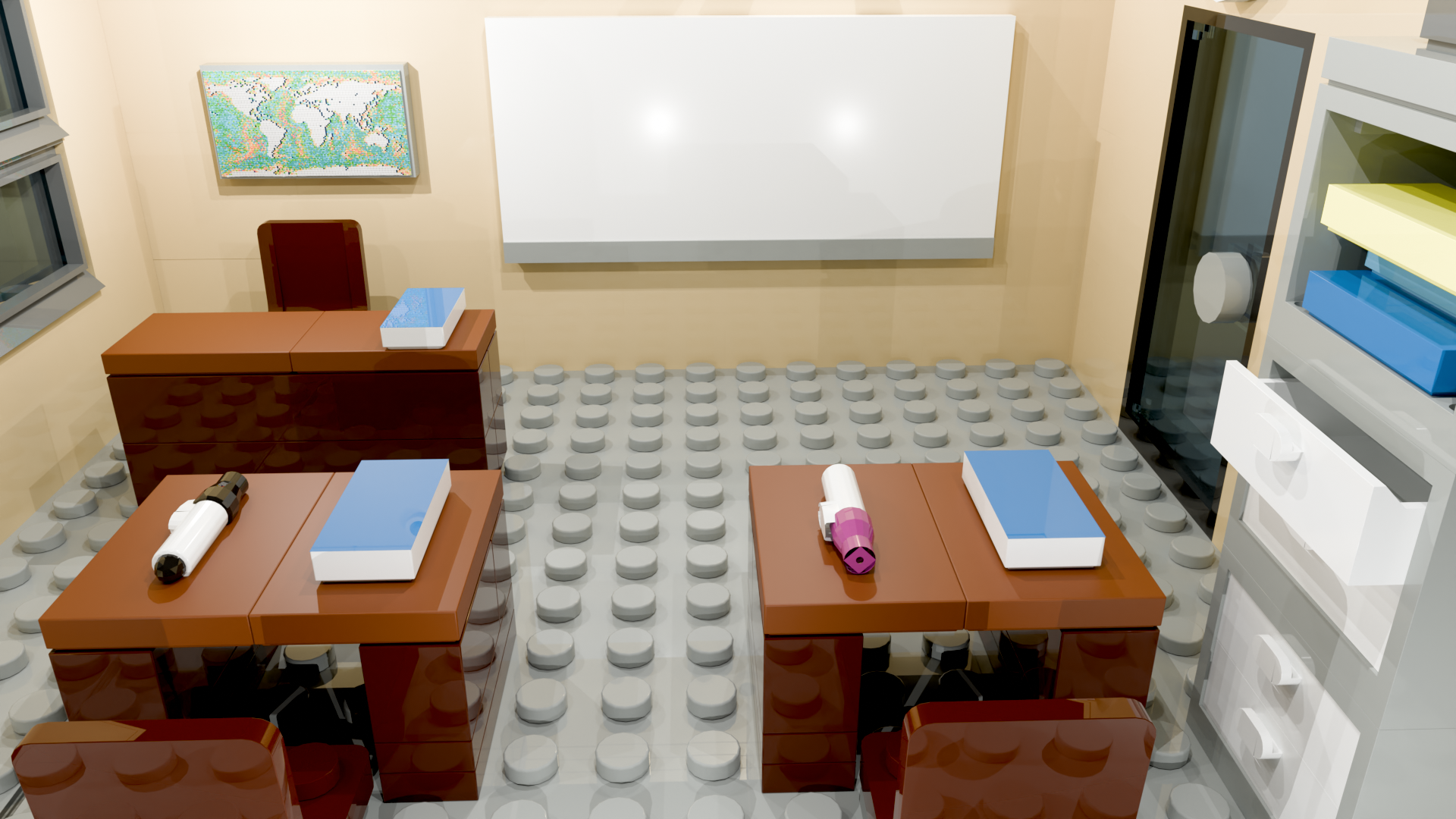
Cross-context generalization is measurable through scene-level clustering across 50 scenes. Anxiety hierarchy responses in familiar (Classroom) vs novel (Cinema) settings reveal which social contexts feel safe for the child.
Full per-day activity report: session duration, scenes, recording count, levels, Mini preferences, motivation message, and rewards. Enables longitudinal behavioral pattern analysis suited for single-case experimental design (SCED) methodology.
Mission completion rate, type, and level correlation measure the effectiveness of anxiety hierarchy steps configured by parents. Which missions are completed more readily can guide individual stimulus fading strategies.
Brick → Medal → Cup reward distribution reveals the effectiveness of positive reinforcement mechanisms in selective mutism intervention. Which reward category drives engagement maps the child's individual behavioral motivation profile.
Character type preference vs. recording duration correlation provides unique data for researching verbal production through psychological distancing. Multi-Mini usage patterns support hypotheses about avatar attachment and communication confidence.









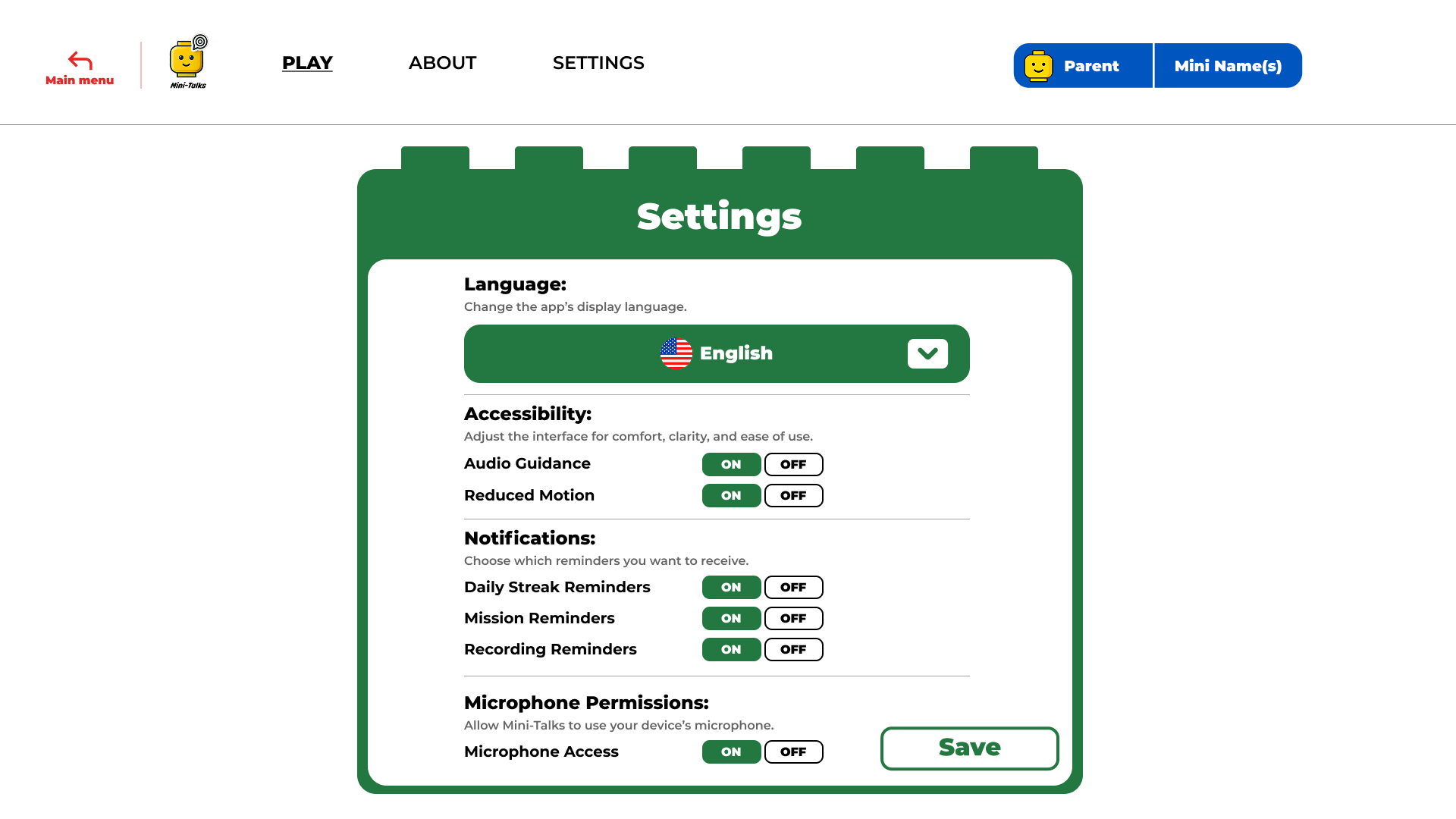
 English
  Turkish
  German
  Danish