A physical system that brings personalized characters to life through voice and animation.
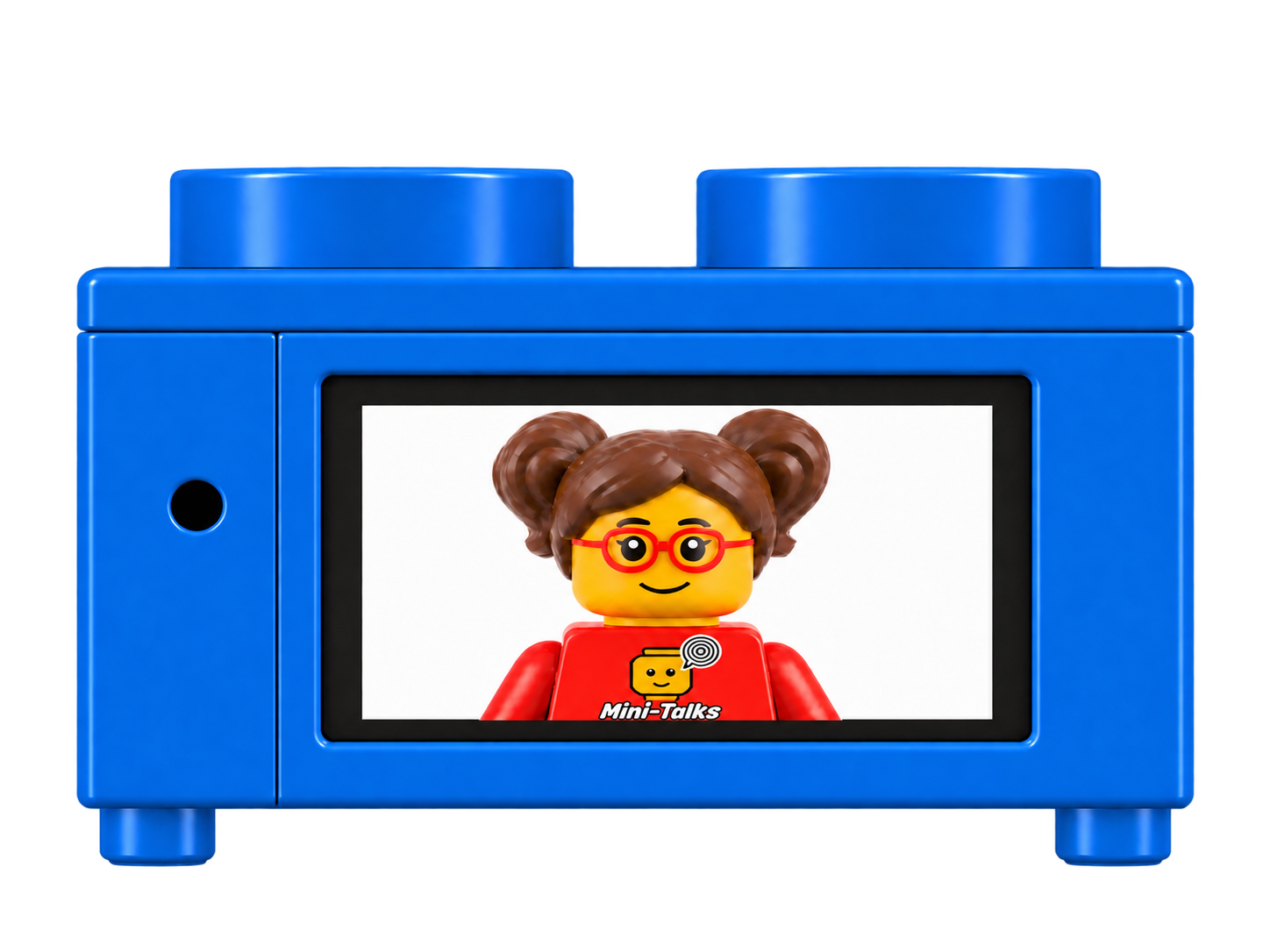
Children record their own voice and watch their characters speak on the screen.
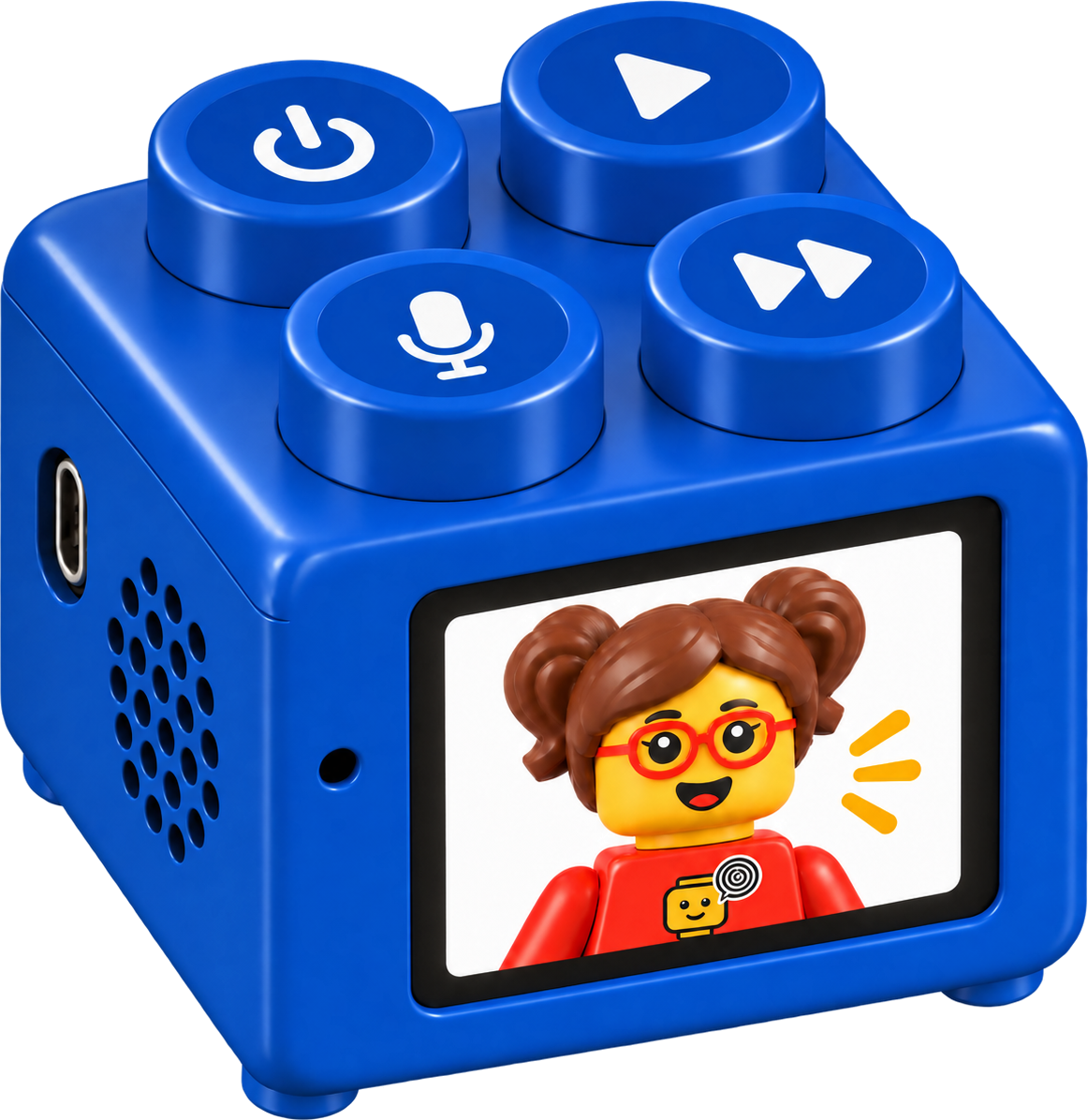
Brick-Talks is a system where children can use their own recorded voice to bring personalized characters to life on the screen.
Each character can be personalized to represent the child or someone they choose.
Children can create different characters and give each one its own place in Brick-Talks. Their characters then appear on the screen as part of the communication experience.
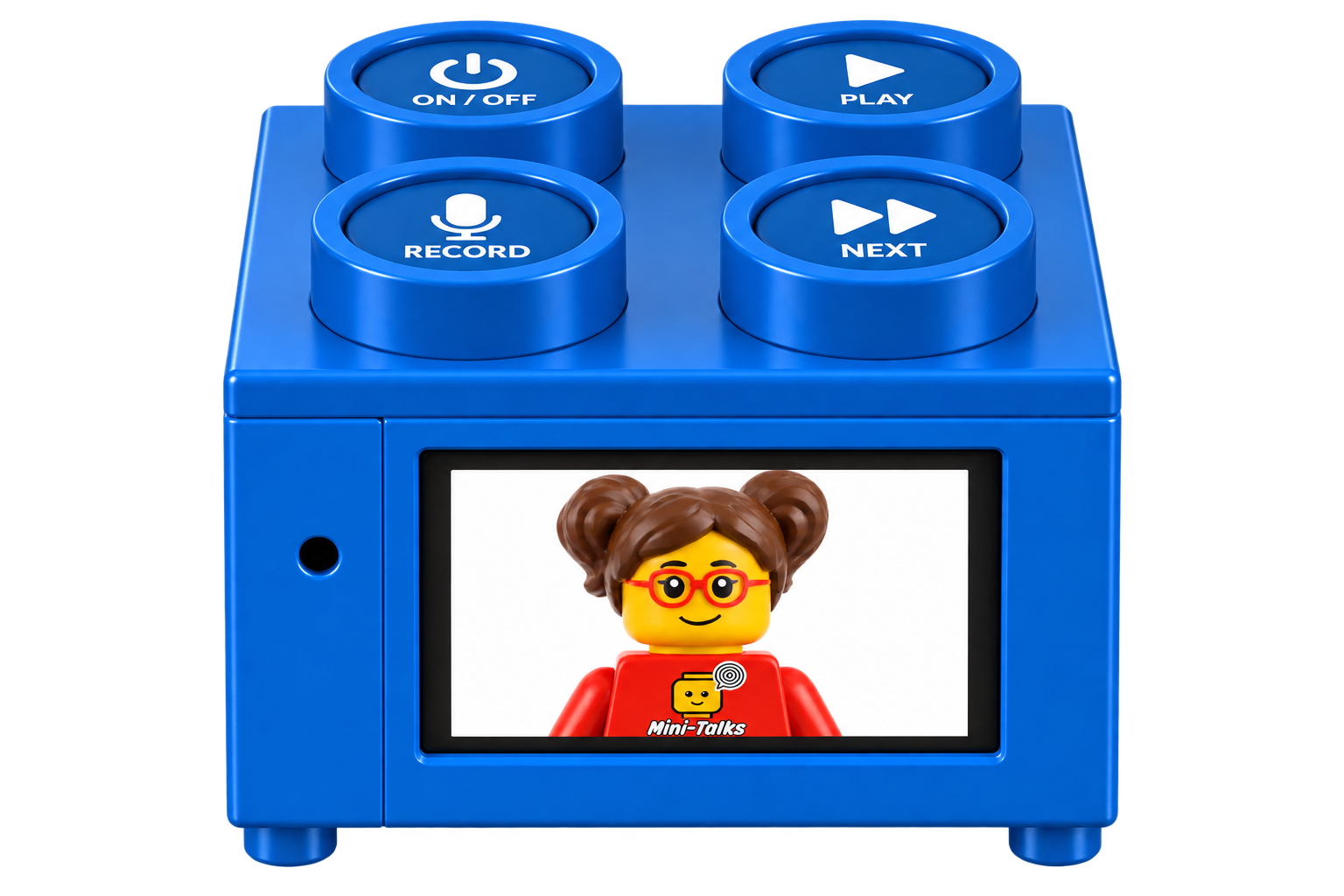
Personalization · Voice · Animation
The child records their voice and Brick-Talks plays it back while the selected character is animated on the screen.
Instead of voice being only a recording, it becomes part of a character the child can see, recognize, and interact with.
Brick-Talks connects personalization, recorded voice, and animation.
It gives children another way to explore communication through characters they feel connected to.
Brick-Talks combines personalized characters, recorded voice, and animation in a simple physical interaction system.
Each character can have its own recorded voice, allowing children to move between different characters and communication experiences.
The interaction is simple, repeatable, and entirely under the child's control.
Brick-Talks enables children to connect their recorded voice with a personalized digital character, using visual representation and animation as a supportive bridge for communication.
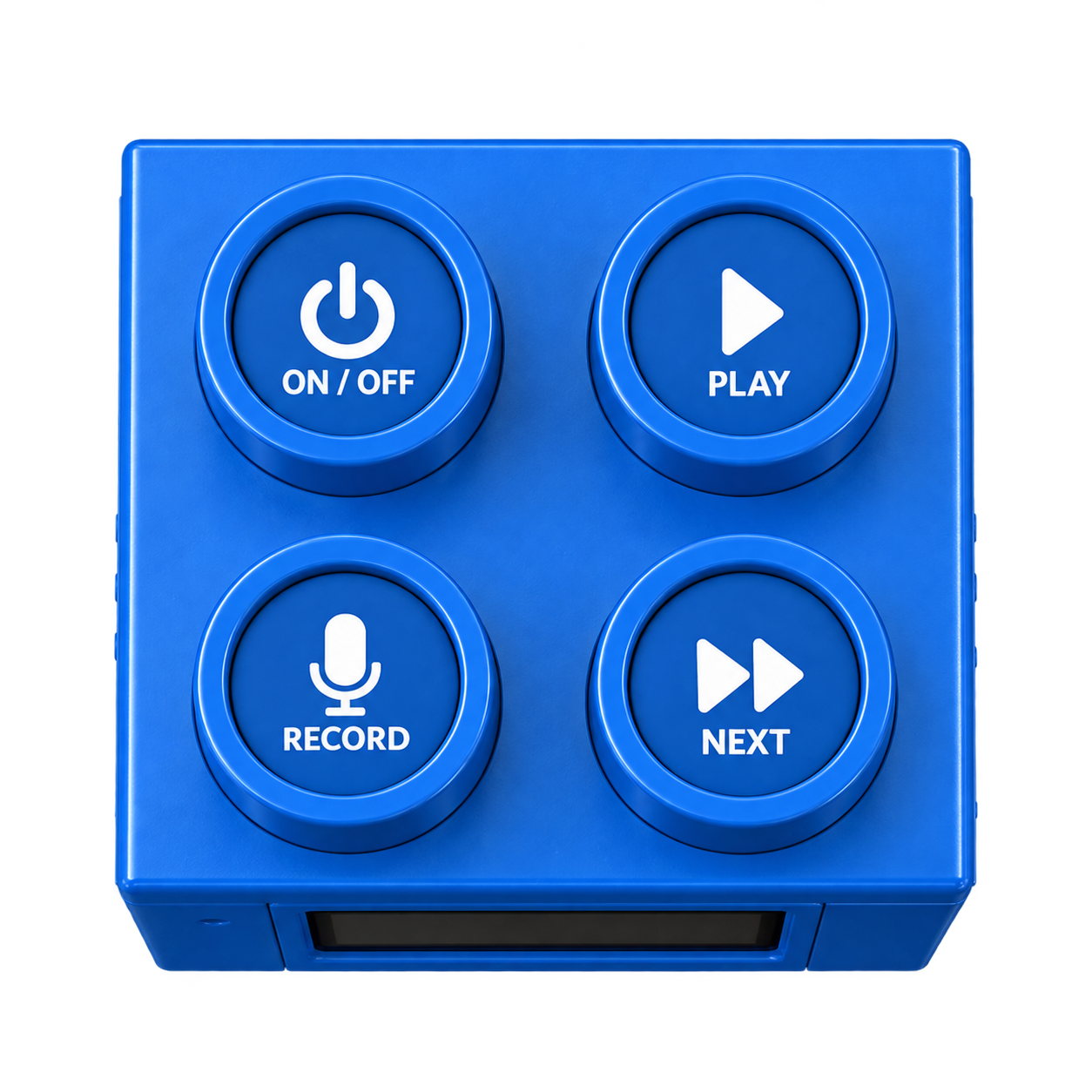
A physical interaction
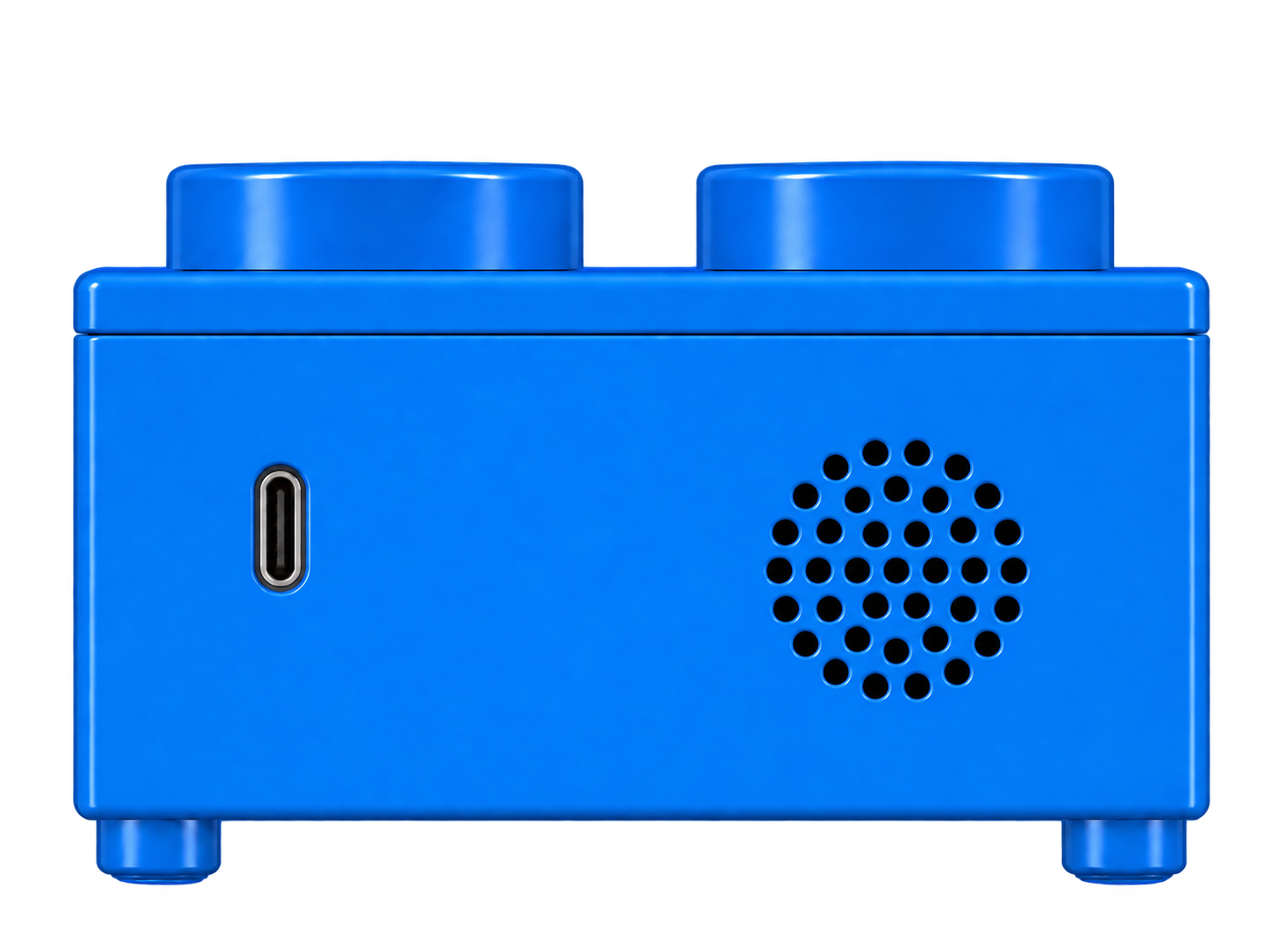
The top of Brick-Talks brings its physical controls together in a four-stud layout.
Brick-Talks · Part of Mini-Kits
Connect with Mini-Community to learn more about Brick-Talks and explore the wider Mini-Talks project.


 English
  Turkish
  German
  Danish