
A physical system that gives Mini-Designs a voice.
Children listen, record, and discover communication at their own pace.
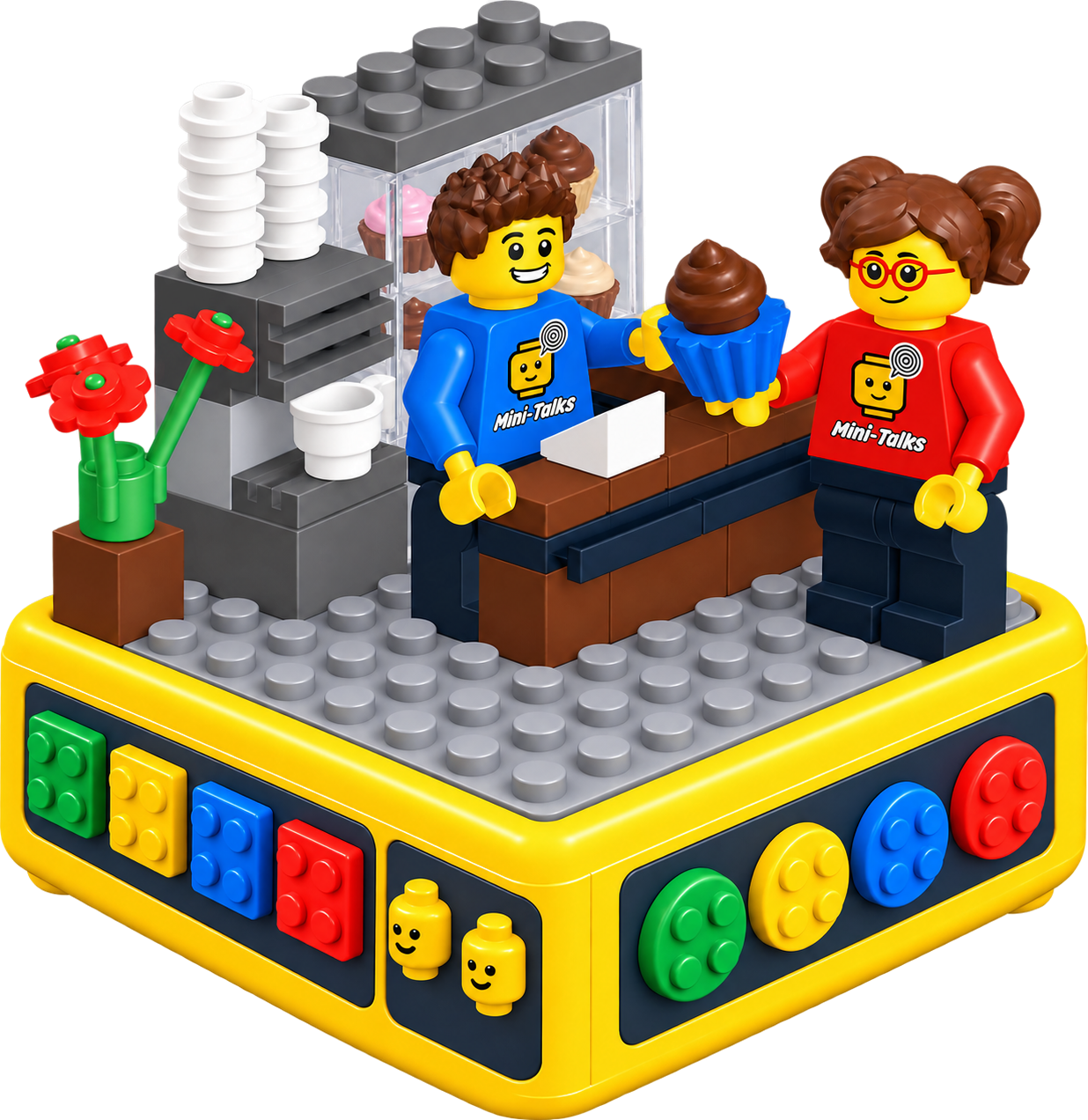
Mini-Designs creates the scene.
Design-Talks gives the scene a voice.
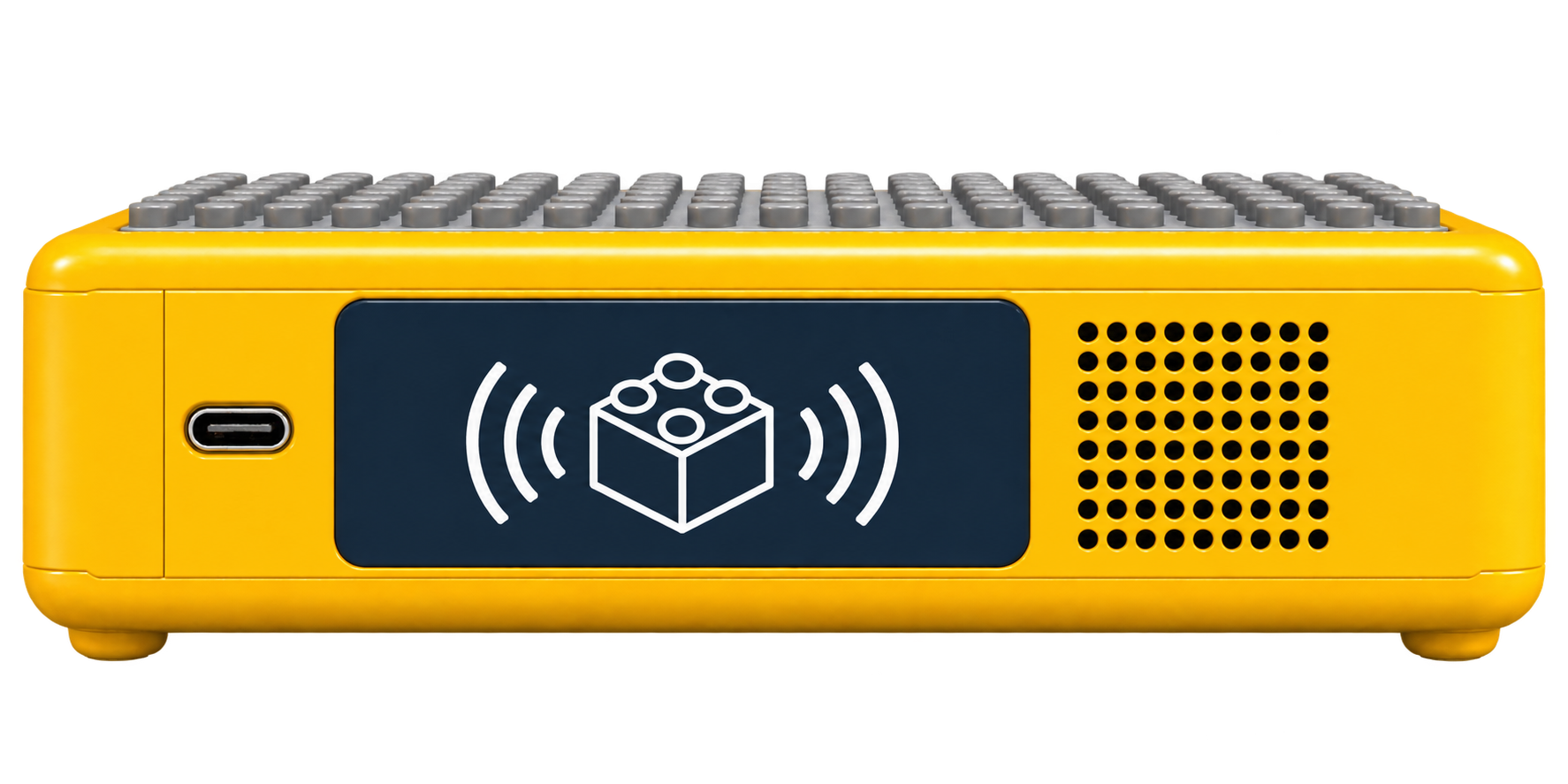
Design-Talks is a physical system that recognizes Mini-Designs, adds voice to the scene, and enables users to listen to demo sounds and their own recordings.
Through Mini-Designs, the system recognizes the scene and associates it with the determined communication level and Mini (the speaking role within the scene).
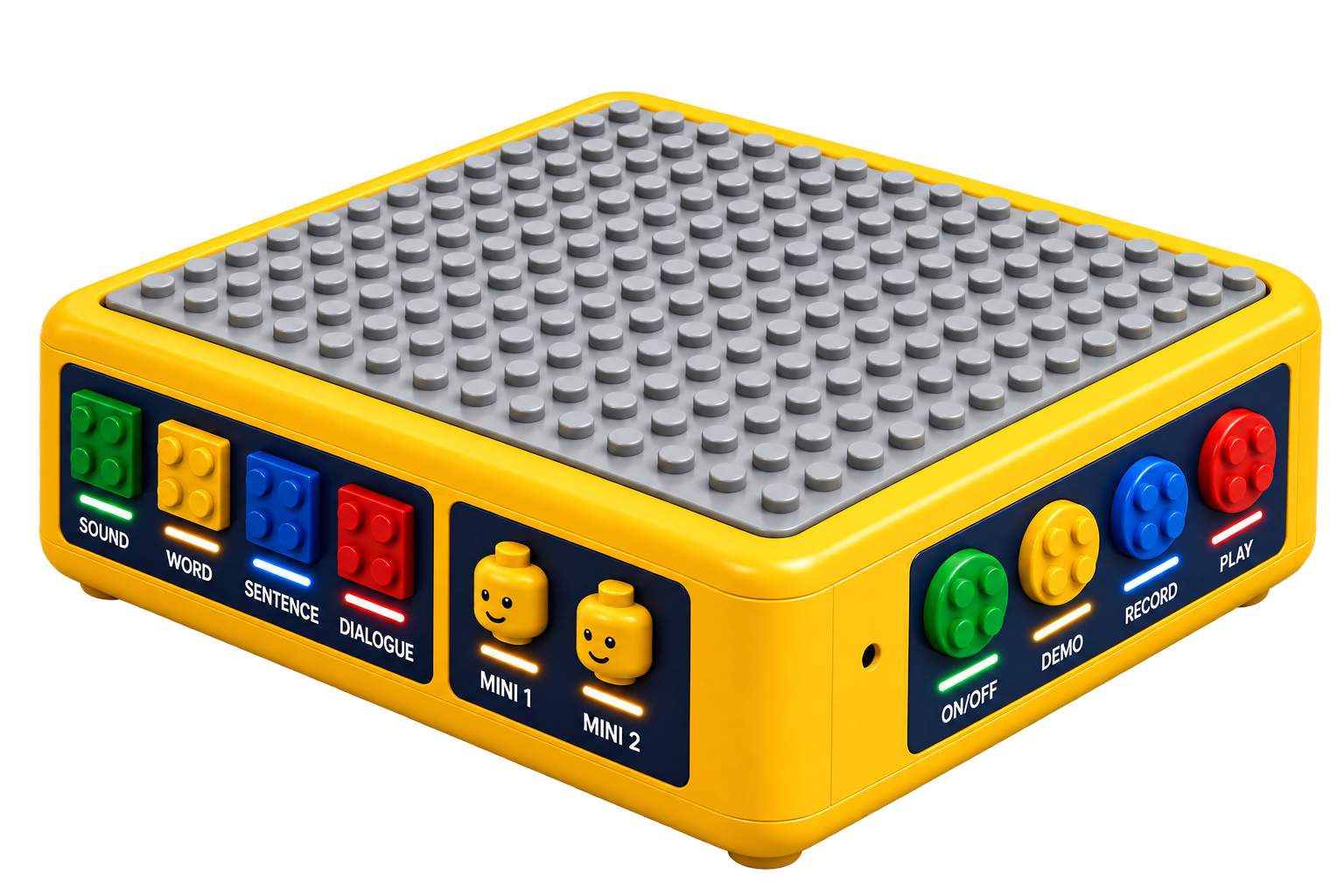
Scene · Voice · Play
The entire process happens without being tied to a mobile device.
The interaction takes place entirely within a physical game.
The goal is to create a system based on scene-linked demo sounds and recordings under the child's control, enabling communication to develop at their own pace and without pressure.
Scene → Level → Mini → Action
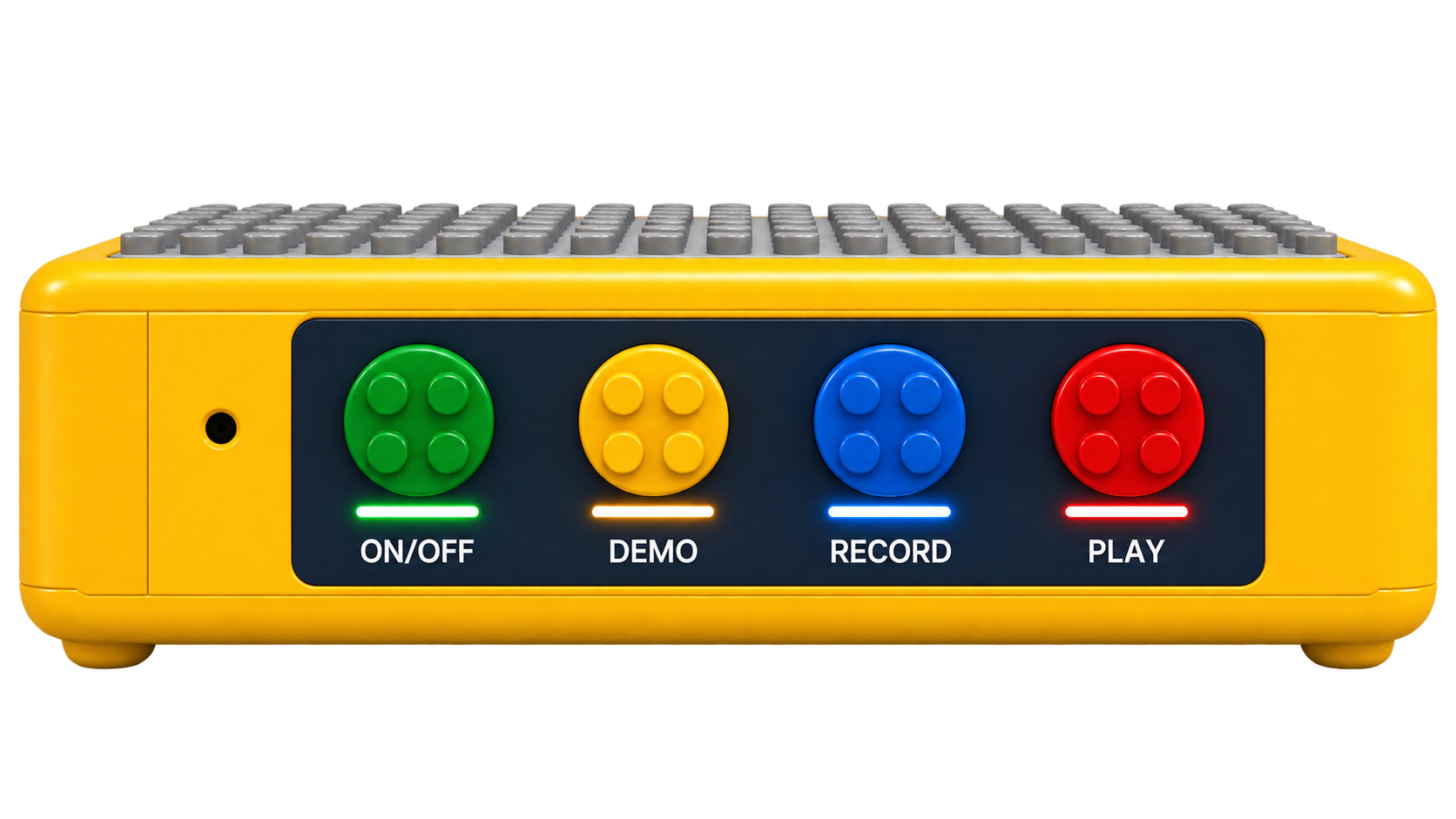
Use the ON/OFF control to switch on Design-Talks. Then follow the four-part interaction below.
Choose from 50 scenes. Hold the brick carrying the scene's RFID sticker up to the RFID reader. Design-Talks identifies the scene and associates its sound files with the current interaction.
Select the communication level for the identified scene.
Select the speaking role within the scene.
With the scene, level, and Mini selected, choose what to do with that combination.
Within the HCI framework, Design-Talks transforms communication practice into a tangible and multidimensional interaction model built on scene, level, and role.
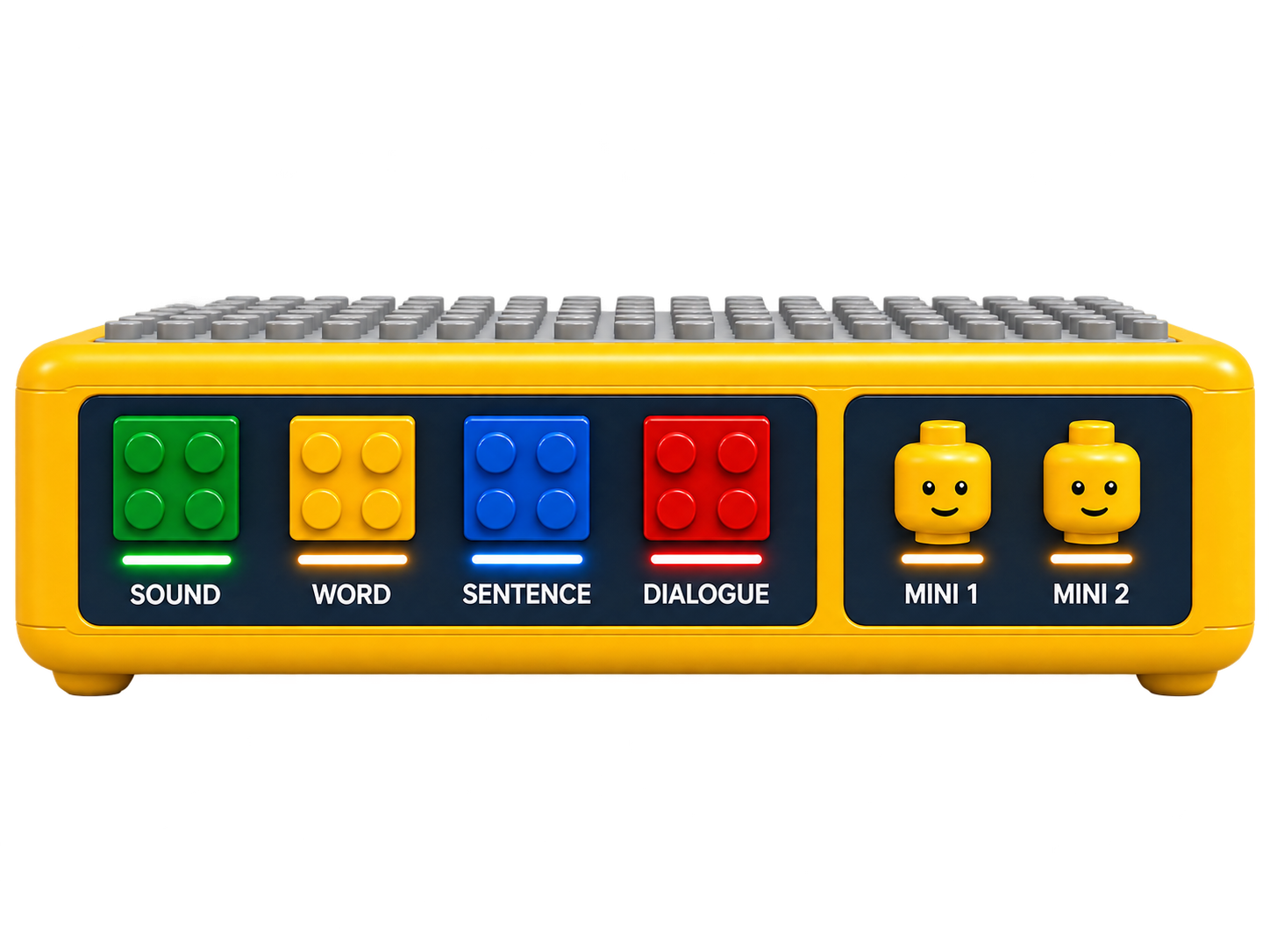
Communication levels & roles
The panel brings together four communication levels and the Mini 1 and Mini 2 role controls.
The Mini-Kits Family
Discover the other Mini-Kits — build a scene, bring a character to life, or give a personal figure a voice.



 English
  Turkish
  German
  Danish